
A Better Way to Manage Student Waitlists
Collect applications online, organize students by grade or program, communicate with families, and manage the process from waitlisted to enrolled.
14-day free trial · No credit card required
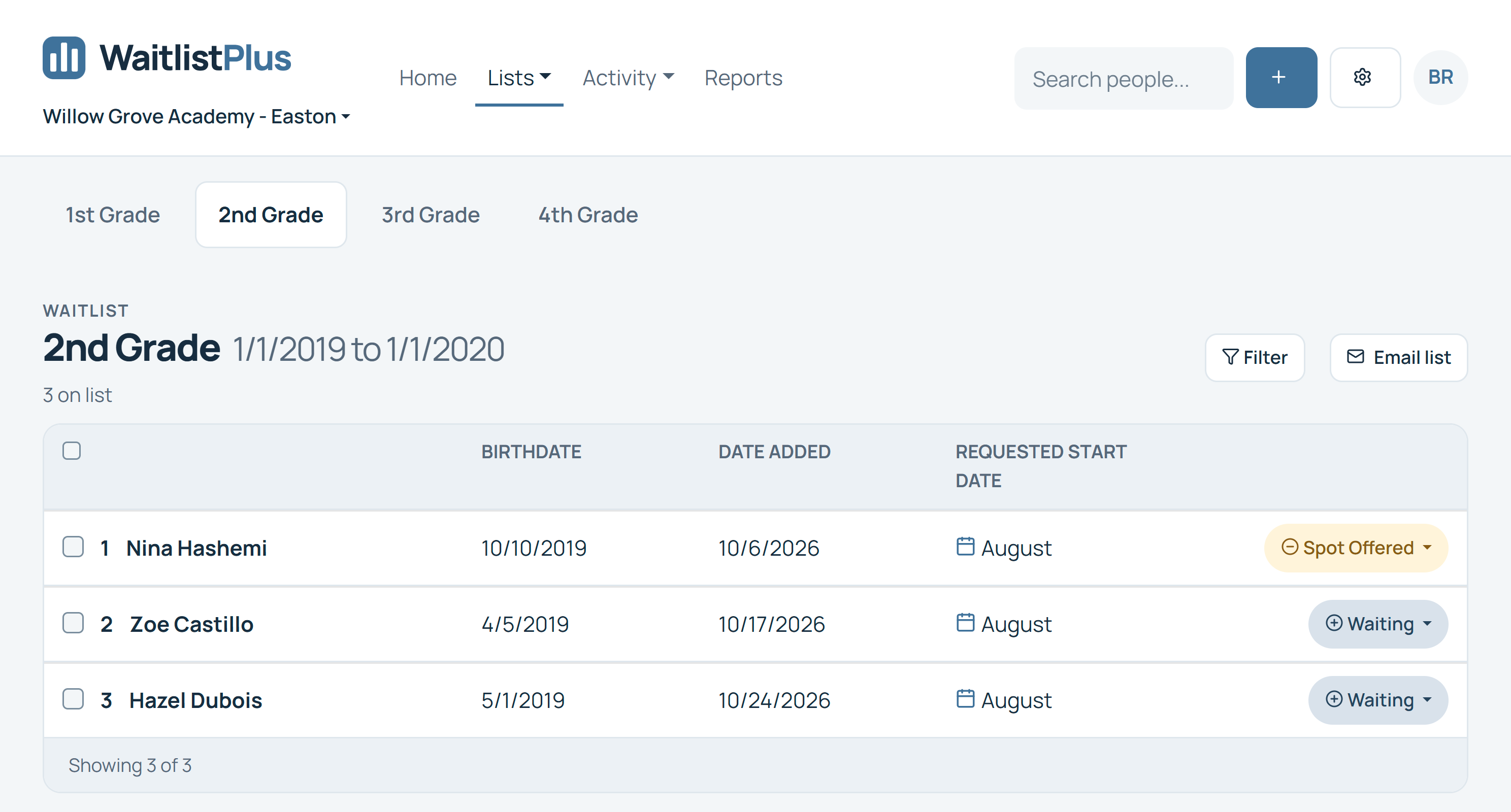
School waitlists get complicated quickly
Different grades and programs have different availability. Families apply at different times, priorities vary, and applicants move through several stages before enrollment.
When applications live across spreadsheets, forms, inboxes, and notes, it’s difficult for your team to see what’s happening.
Too many disconnected tools
Applications, spreadsheets, emails, and notes make it harder to maintain one source of truth.
Multiple grades and programs
One generic list may not reflect how your school manages openings.
Constant family communication
Admissions staff spend valuable time answering questions and sending repetitive updates.
From application to enrollment
WaitlistPlus manages your waitlist and the process of moving applicants toward enrollment.
Collect
Let families apply online. Collect student, parent, program, and grade information.
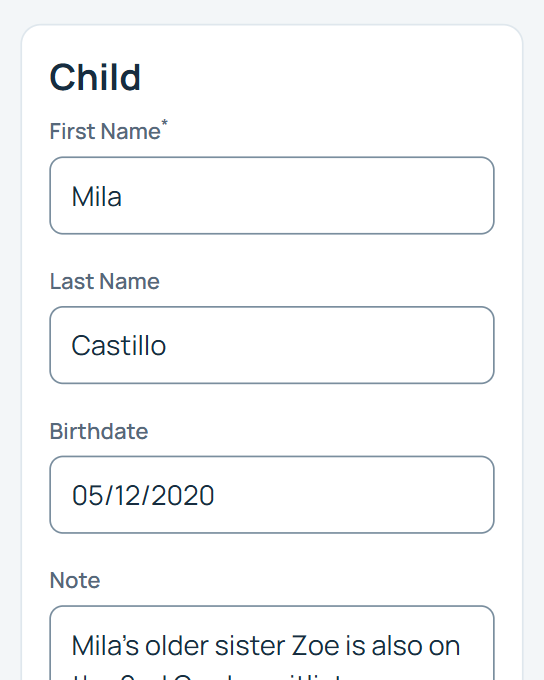
Organize
Keep students on the appropriate lists. Create separate lists for grades, programs, locations, or other needs.
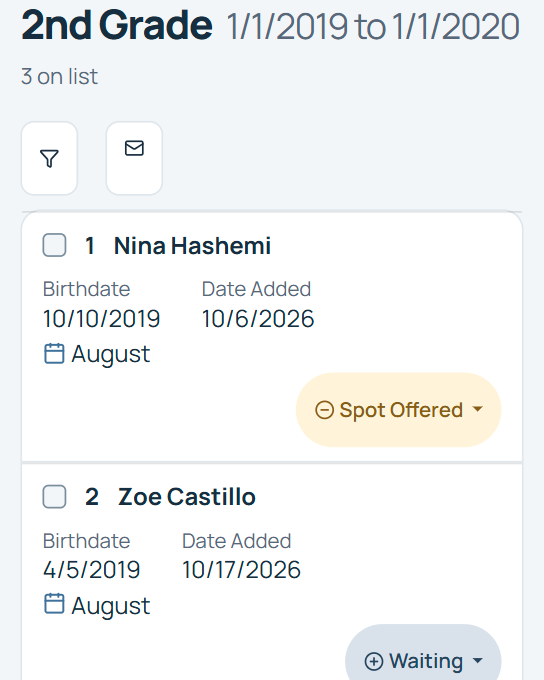
Communicate
Keep families informed. Send confirmations, reminders, and updates from one place.
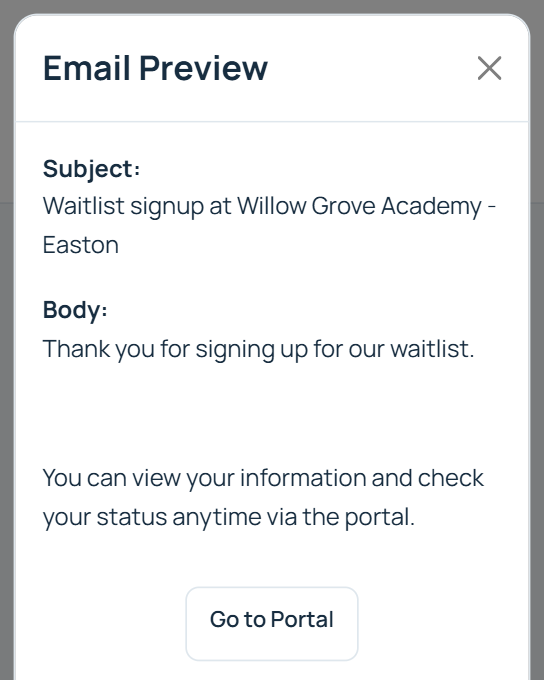
Enroll
Track applicants through your process. Use statuses that reflect your school’s workflow.
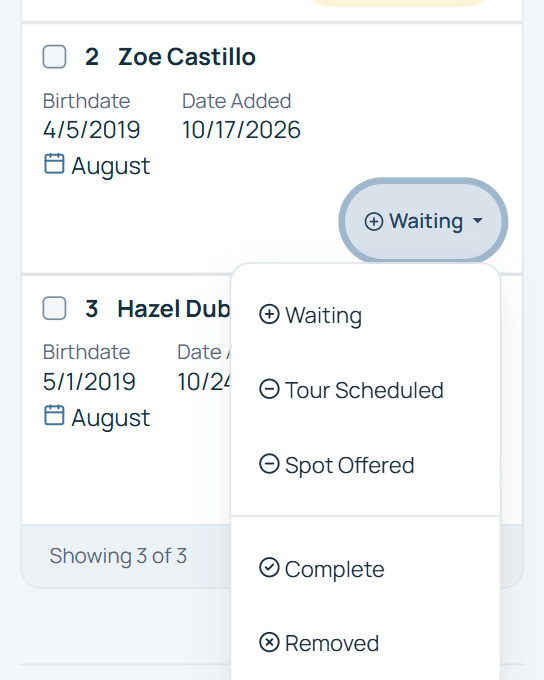
Create a waitlist for every grade, program, or need
Schools don’t always have one waiting list. Create lists that reflect the way your organization manages enrollment.
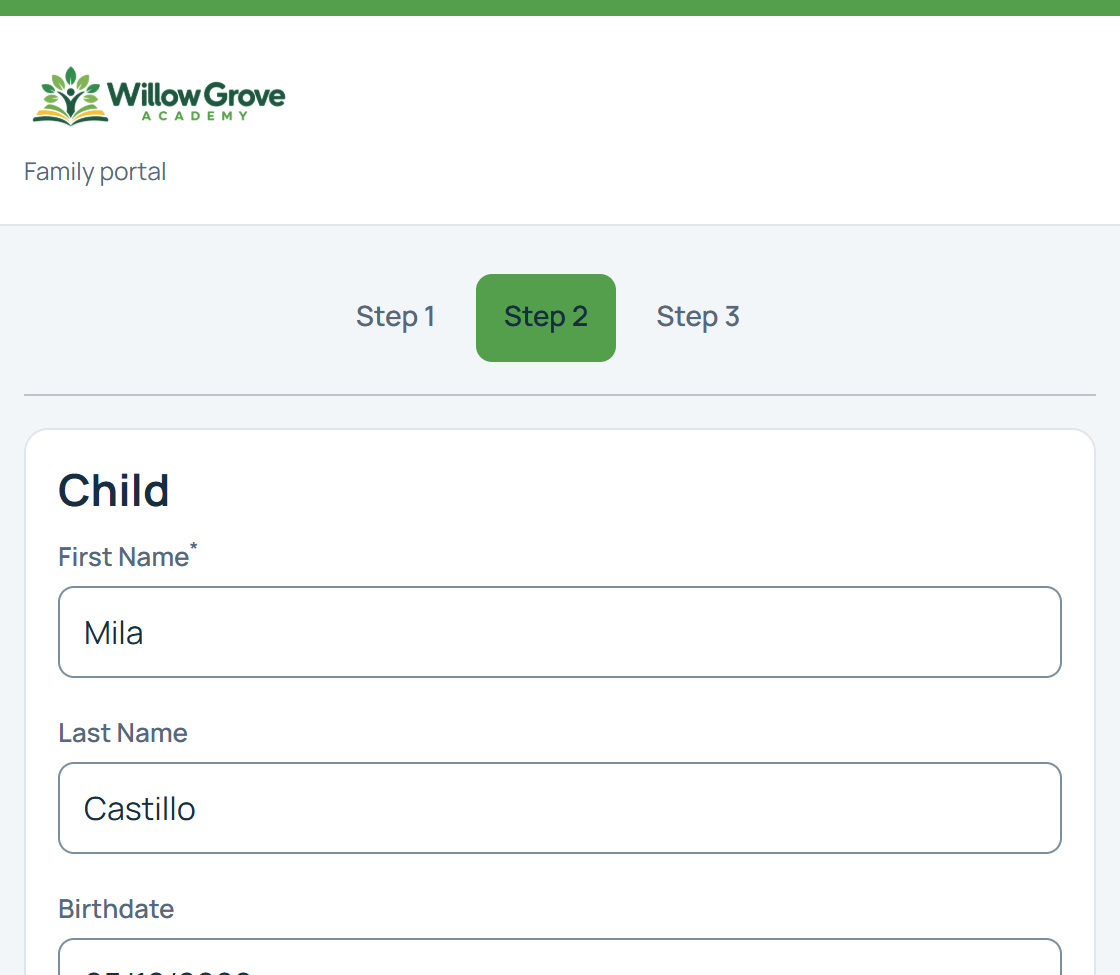
Give families an easy way to apply online
Replace paper forms and manual data entry with an online signup process that collects the information your admissions team needs.
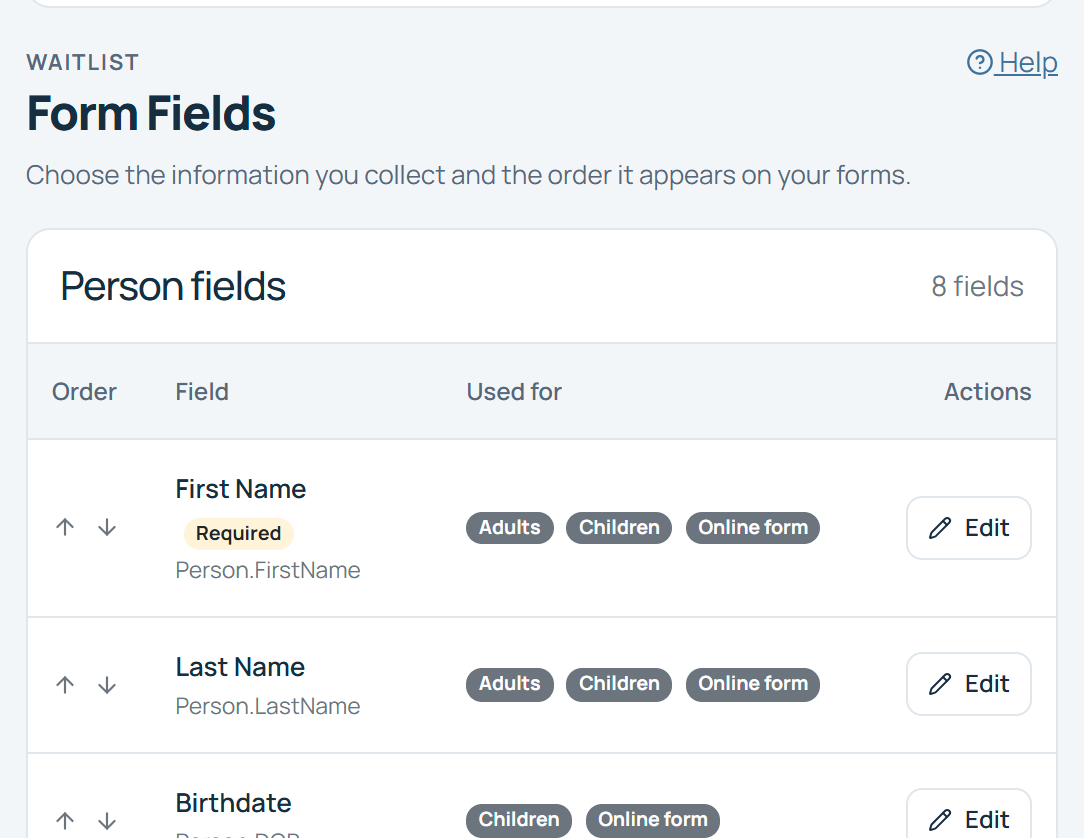
Collect the information your school actually uses
Customize the information you collect and maintain so your waitlist supports your school’s process.
Example fields: desired grade, desired start date, program, campus, sibling information, parent or guardian details, and custom admissions questions.
Configure whether fields appear on the online form and whether their values are shown on your lists.
Organize applicants according to your process
Use priorities and ordering to keep relevant information visible as your team considers applicants.
Examples your school can configure
Examples only. Your organization chooses its admissions criteria.
A clearer view of who needs attention
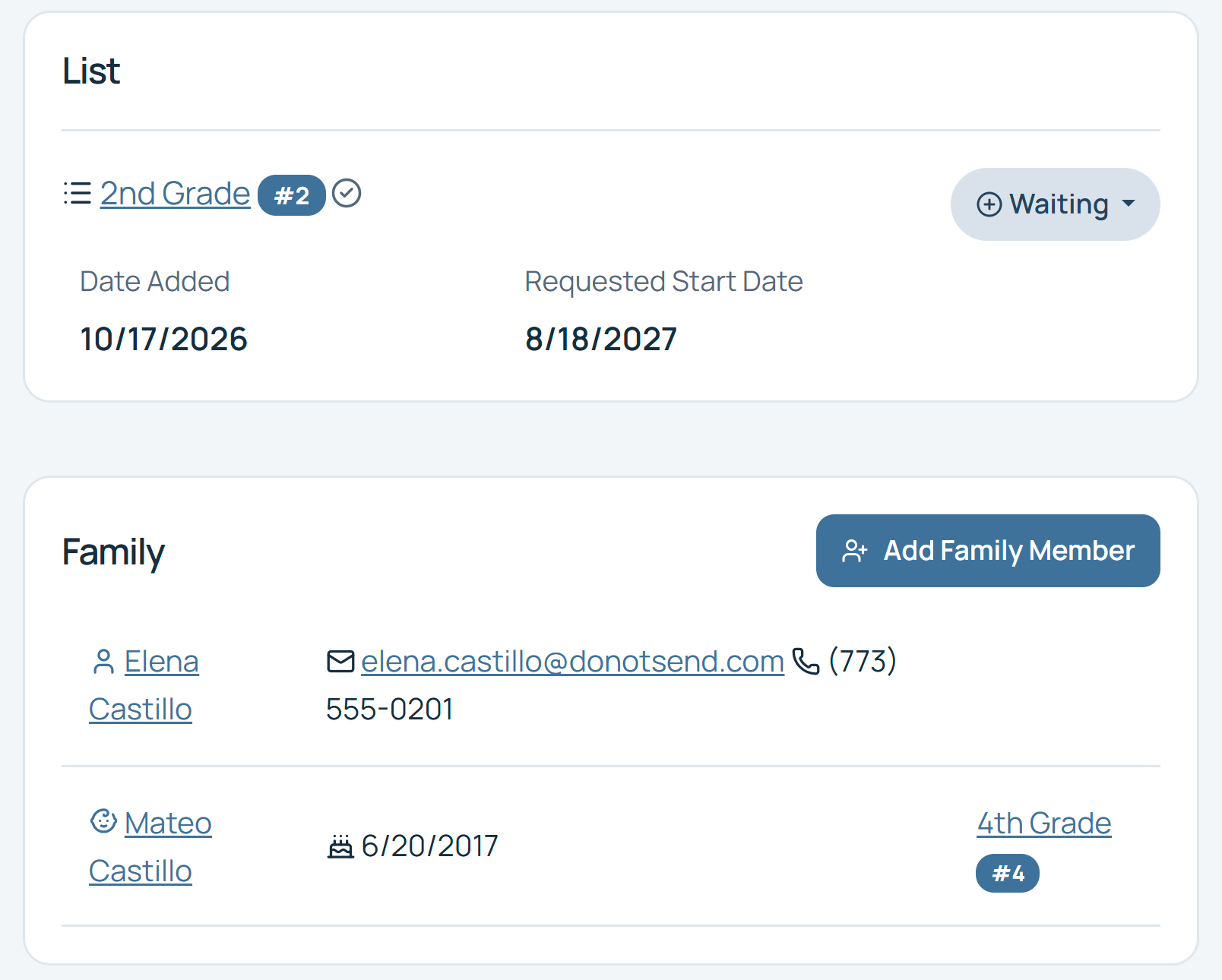
Keep student and family information connected
Enrollment often involves families with more than one student. Keep related information organized, even when students are on different lists.
Keep families informed throughout the wait
Families may wait weeks or months. Communicate consistently without manually creating every message.
Application
Application
Confirmation
Confirmation
Reminder
Reminder
Availability
Availability
Offer
Offer
Enrollment
Enrollment
Confirmation emails
Let families know their application was received.
Reminders
Stay connected and help determine continued interest.
Bulk communication
Send updates to appropriate groups of applicants.
Templates
Reuse common messages for consistent communication.
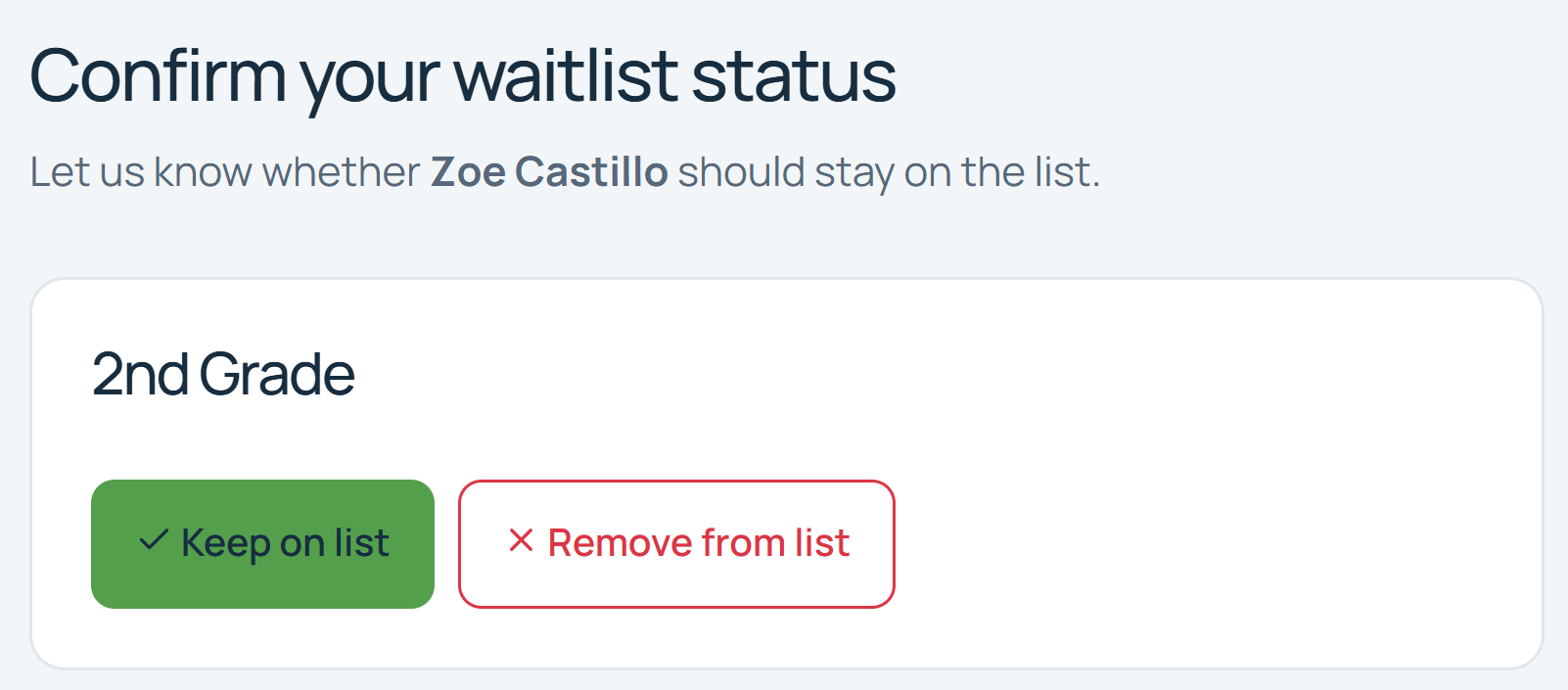
Know which families are still interested
Families may enroll elsewhere, change programs, move, or no longer need an opening. Keep your team informed when plans change.
Know where every applicant stands
Use statuses that match your school’s admissions process so your team can see what has happened and what needs to happen next.
Applied
Waitlisted
Contacted
Offered
Accepted
Enrolled
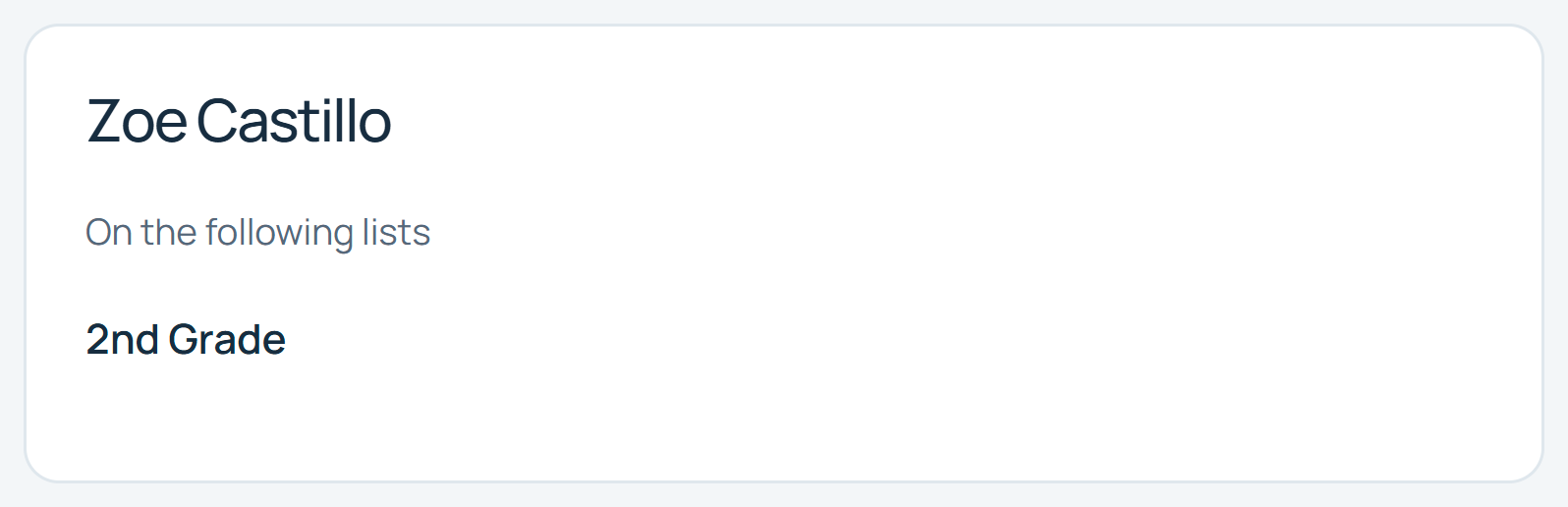
Give families convenient self-service options
Provide families with appropriate online access and self-service tools connected to their WaitlistPlus record.
Collect an application or waitlist fee when needed
If your school or program charges a fee when someone applies or joins the waitlist, collect it during online signup.
Managing multiple schools, campuses, or programs?
Enterprise supports more complex waitlist requirements with flexible person limits, unlimited administrators, a multiple-location admin portal, custom API integration, and custom support and development.

A clear waitlist process for your school or program
For private and charter schools, preschools, early education, after-school programs, camps, and enrichment programs.
WaitlistPlus focuses on applications, waiting lists, family communication, offers, and the steps toward enrollment.
Spend less time administering your waitlist
Less manual data entry
Let families enter application information online.
Better organization
Keep applicants, lists, priorities, and statuses together.
Less repetitive communication
Use email tools and customer self-service.
A clearer enrollment process
Know which applicants need attention when openings become available.
See how organizations use WaitlistPlus
Read verified customer feedback and explore the workflows behind it.
Frequently Asked Questions About School Waitlists
What is school waitlist software?
School waitlist software helps educational organizations collect applications, organize students waiting for openings, communicate with families, and track applicants through the enrollment process.
Can we create separate waitlists for different grades?
Yes. Create multiple waitlists for grades, programs, locations, or other enrollment needs.
Can families apply online?
Yes. Families can use the WaitlistPlus online signup experience on common phones, tablets, and computers.
Can we customize our application form?
Yes. Custom fields let you collect information relevant to your school’s process.
Can siblings be managed together?
Yes. Family-management capabilities help keep related student and parent or guardian information organized.
Can we prioritize students?
Yes. Use priorities and list ordering according to your organization’s own admissions process. Your school decides its criteria.
Can we email families on the waitlist?
Yes. Use signup confirmations, reminders, templates, and bulk email to communicate with families.
Can families confirm that they're still interested?
Yes. Communication, confirmation, and customer self-service tools help your organization keep its waitlist current.
Can we charge an application or waitlist fee?
Yes. Organizations that charge a signup or application fee can optionally collect online payment during signup.
Can WaitlistPlus support multiple campuses?
Yes. WaitlistPlus supports multi-location use cases, with additional capabilities through Enterprise.
Ready for a better way to manage your school waitlist?
Collect applications, organize students, communicate with families, and manage enrollment in one place.