
Manage your waitlist without the spreadsheet.
Create the lists you need, organize people according to your rules, set priorities, track statuses, and always know who should be contacted next.
14-day free trial · No credit card required
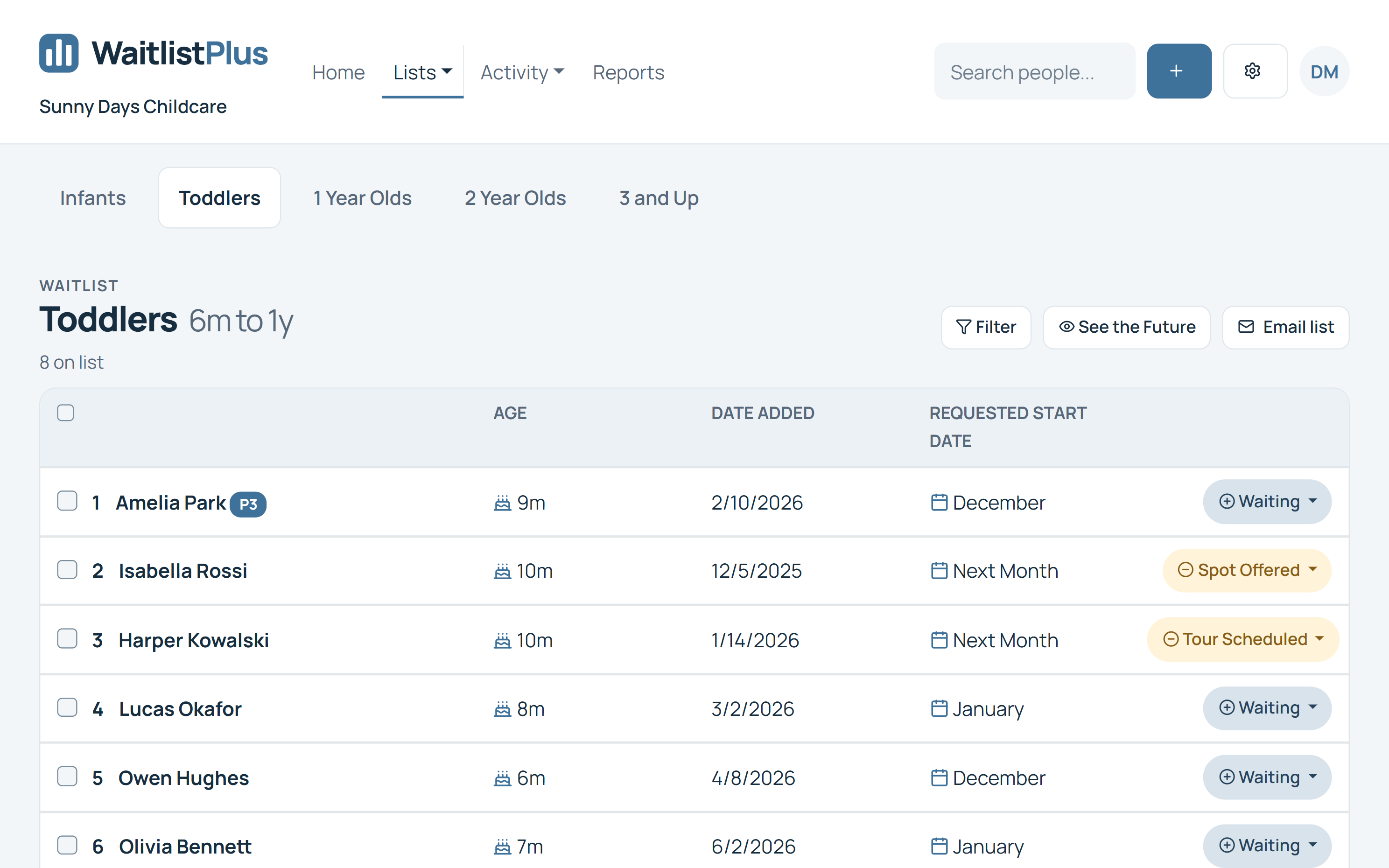
Your waitlist should tell you what to do next.
A waitlist isn't useful if it's just a list of names. You need to know who is waiting, what they're waiting for, who should be contacted first, and where each person is in your process.
WaitlistPlus keeps that information organized in one place, giving your team a clear, up-to-date view of your waitlist.
Know who's waiting
Keep customer information, list membership, dates, notes, priorities, and statuses together.
Know who comes next
Use priorities and your organization's own rules to organize your waitlist.
Know what's happening
Track people as they move from waiting to contacted, offered, enrolled, or whatever statuses fit your process.
Create the waitlists your organization actually needs
You're not limited to one generic waiting list. Create multiple lists for different programs, locations, age groups, providers, services, or other needs.

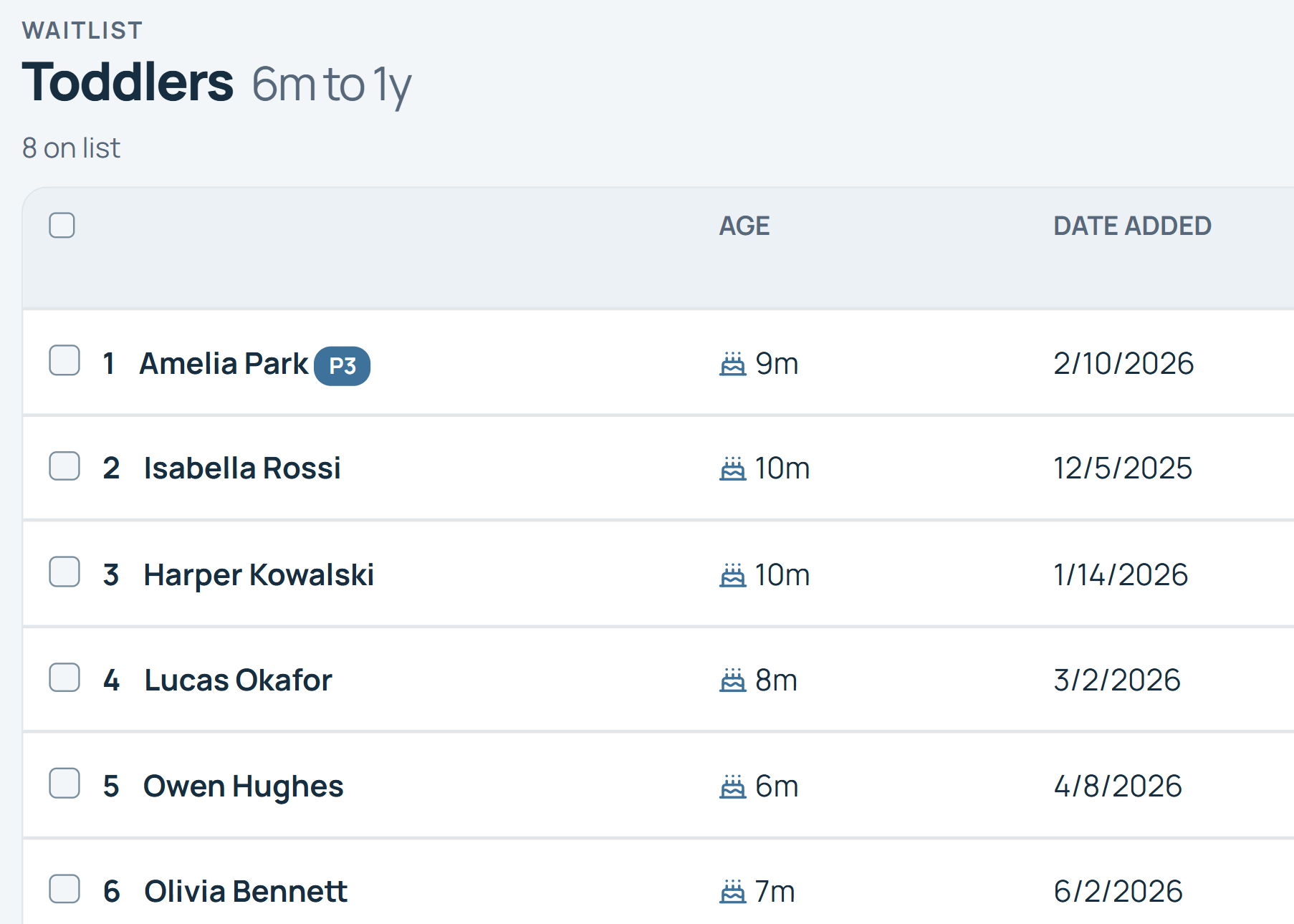
Let your waitlist handle changing ages and dates
For organizations such as childcare centers and schools, eligibility changes over time. WaitlistPlus can use birthdates, ages, and dates to help place people on the appropriate lists and keep those lists current.
Infant
Toddler
Preschool
Pre-K
Instead of constantly rebuilding age-based spreadsheets, your waitlist can adapt as children grow and eligibility changes.
Your waitlist. Your priorities.
Not every organization determines who's next in the same way. WaitlistPlus gives you flexibility to organize and prioritize people according to the way your organization works.
Custom priorities
Identify higher-priority applicants and make important information easy to see.
Flexible ordering
Keep people ordered according to the process your organization uses.
Drag-and-drop management
When manual ordering is appropriate, make changes without rebuilding a spreadsheet.
Search and filtering
Quickly find the people or groups you need to work with.
A waitlist is a process—not just a list.
Create statuses that match the way your organization works and track each person as they move through your process.
These are examples. WaitlistPlus allows organizations to configure statuses that fit their own workflow.
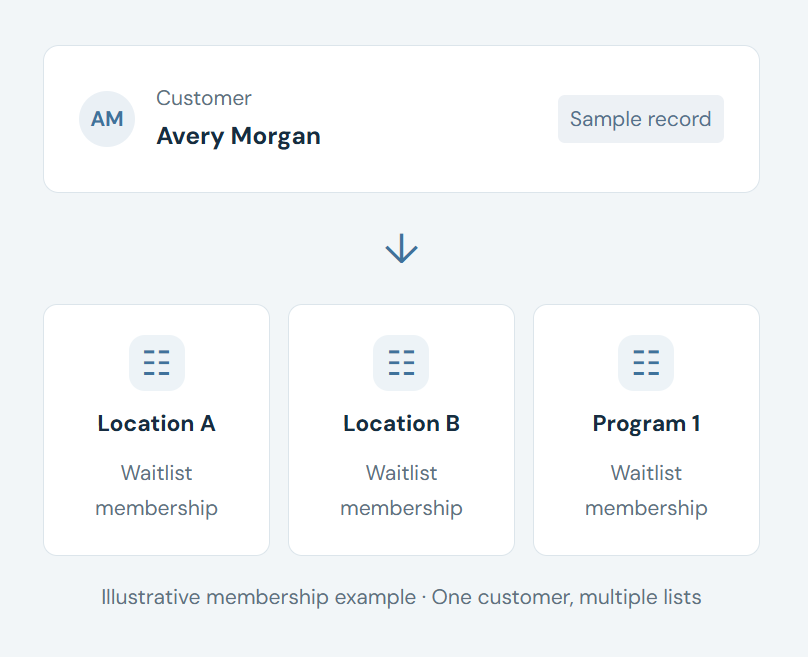
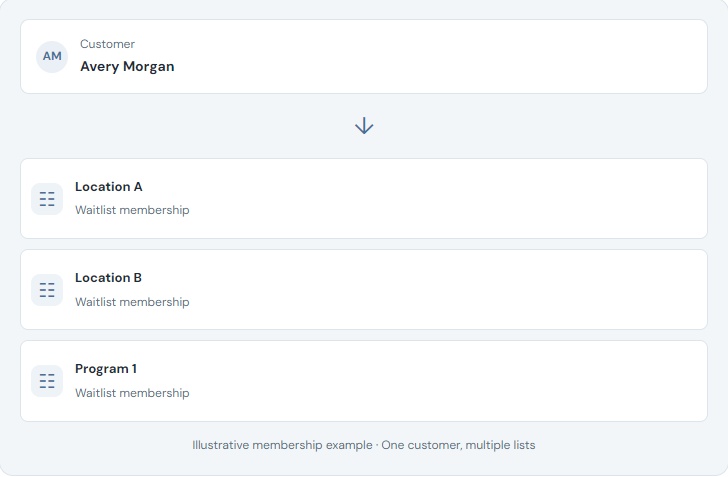
Manage people across multiple lists
Sometimes one person belongs on more than one waitlist. WaitlistPlus lets you manage that relationship without creating disconnected records or losing track of the customer.
Useful for organizations with multiple programs, providers, locations, or eligibility options.
Keep your waitlist useful—not just large
Waitlists become less valuable when they're filled with duplicate, outdated, or uninterested applicants. WaitlistPlus includes tools that help you keep your information current and actionable.
Prevent duplicate signups
Help reduce unnecessary duplicate applications.
Confirm continued interest
Use communication and confirmation tools to determine whether people still want to remain on your list.
Remove outdated entries
Give customers appropriate self-service options and give administrators tools to clean up their lists.
Keep information current
Maintain customer information in one organized record.
Manage the entire journey—not just the waiting.
WaitlistPlus connects waitlist management with online signup, customer communication, self-service, payments, and enrollment tools so your team can manage the entire process in one place.
Join Waitlist
Join Waitlist
Organized
Organized
Contacted
Contacted
Offered
Offered
Enrolled
Enrolled
There's more to managing a waitlist
Online Signup
Let customers join your waitlist online and automatically collect the information you need.
Email & Communication
Send confirmations, reminders, updates, and bulk messages directly from WaitlistPlus.
Customer Portal
Give customers self-service tools that reduce repetitive calls and emails.
Flexible enough for different kinds of waitlists
Childcare
Age-based lists, family information, desired enrollment dates, and parent communication.
Frequently Asked Questions
Get to know a more organized way to manage a waitlist.
What is waitlist management software?
Waitlist management software provides organizations with a central system for collecting, organizing, tracking, and communicating with people who are waiting for an opening, service, program, or enrollment opportunity.
Can I create multiple waitlists in WaitlistPlus?
Yes. Organizations can create multiple lists to support different programs, age groups, locations, providers, or other needs.
Can someone be on more than one waitlist?
Yes. WaitlistPlus can support people being associated with multiple lists when appropriate.
Can I prioritize people on my waitlist?
Yes. WaitlistPlus provides tools for organizing and prioritizing people according to your organization's process.
Can I customize waitlist statuses?
Yes. You can use statuses that reflect your organization's workflow rather than being limited to a single generic waiting status.
Can WaitlistPlus manage age-based waitlists?
Yes. WaitlistPlus supports age- and birthdate-based list functionality that is particularly useful for childcare centers, schools, and other age-based programs.
Can customers join the waitlist online?
Yes. WaitlistPlus provides an online signup experience that can collect customer information and connect applicants with the appropriate waitlist.
Can WaitlistPlus help keep old applicants from remaining on my list forever?
WaitlistPlus provides communication, confirmation, customer self-service, and list-management tools that can help organizations keep their waitlists current. For example, our list cleanup feature can remove people who have not confirmed their spot for a long time.
Ready to leave the spreadsheet behind?
Put your waitlist in one organized system and spend less time managing it manually.