
Give customers answers without the phone calls.
Give waitlisted customers a convenient online experience where they can stay connected to your organization and manage appropriate parts of their waitlist experience themselves.
14-day free trial · No credit card required
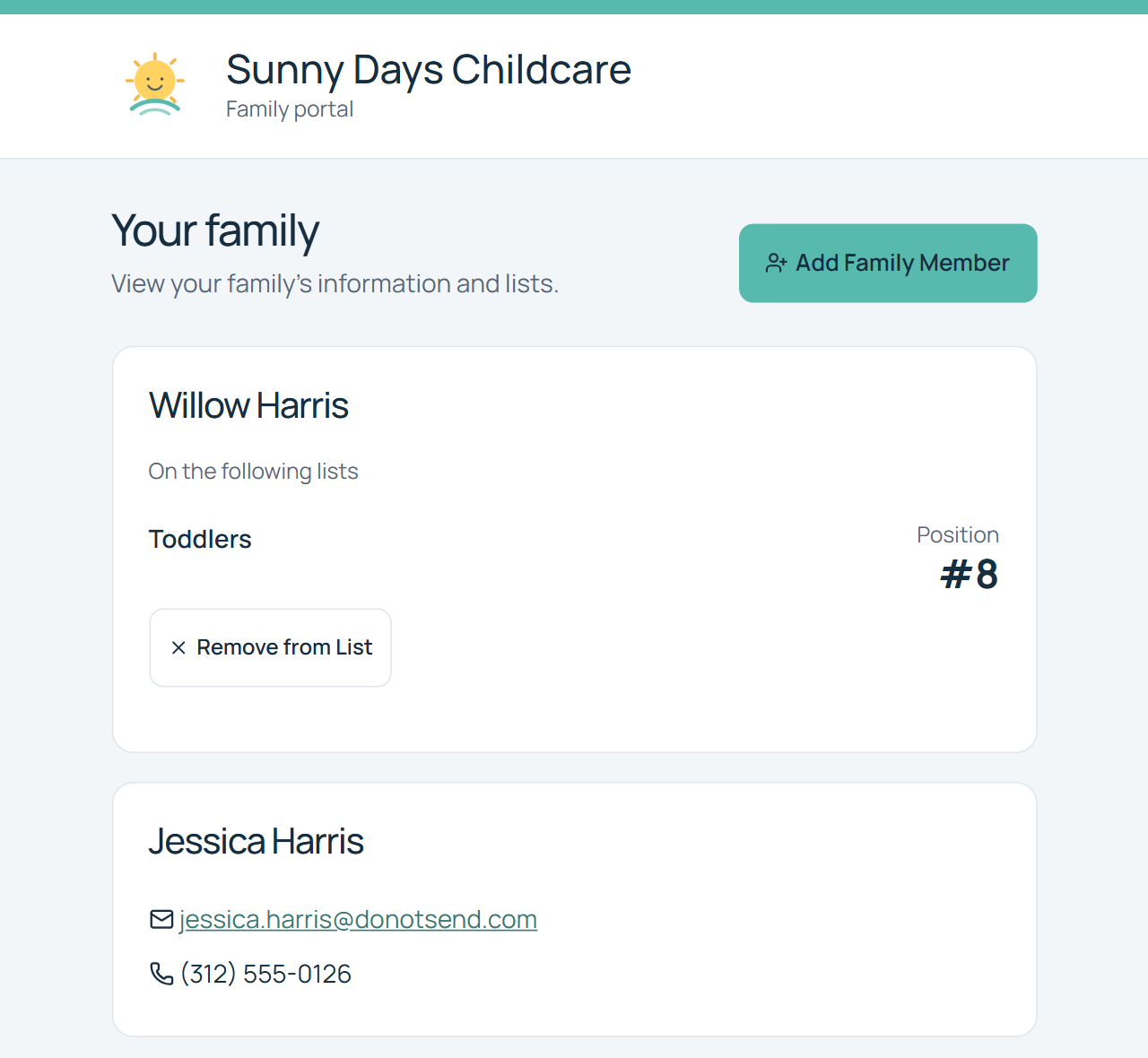
Your customers shouldn't have to call just to know what happens next
A waitlist creates questions. Did you receive my application? Am I still on the list? Do you have the right information? Is there anything I need to do?
WaitlistPlus gives customers a convenient online experience while giving your staff fewer routine requests to manage manually.
Better customer experience
Give customers convenient online access.
Fewer repetitive requests
Reduce routine calls and emails that require staff attention.
Better information
Make it easier to keep customer information current.
Give customers a place to manage their waitlist experience
The information customers can see and the actions they can take depend on your organization’s settings.
View relevant waitlist information
Give customers appropriate visibility into their waitlist information.
Choose the visibility that fits your process. The example screen shows one configuration; list information and position visibility are not the same for every organization.
Keep information current
Allow customers to maintain information where supported. Customer-editing options depend on your configuration and the information being managed.
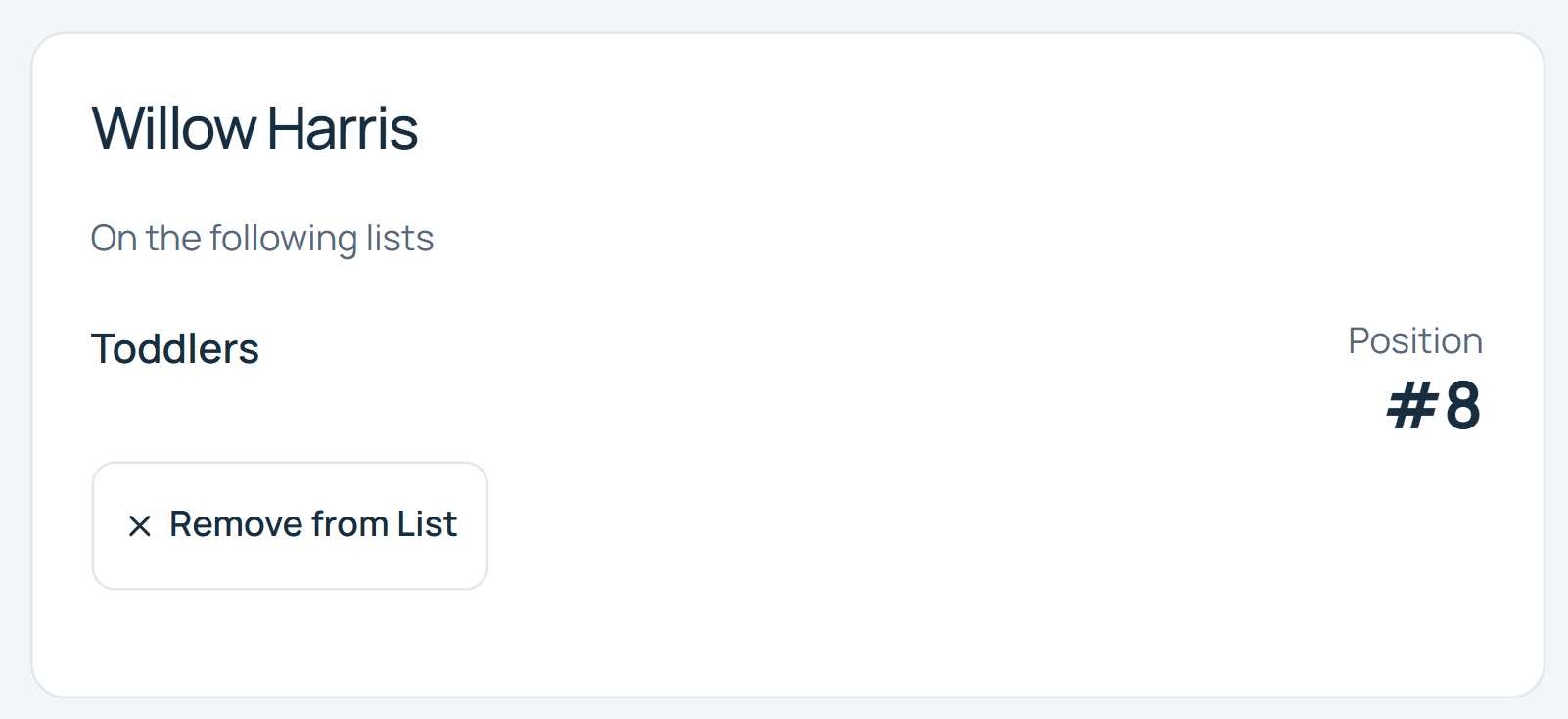
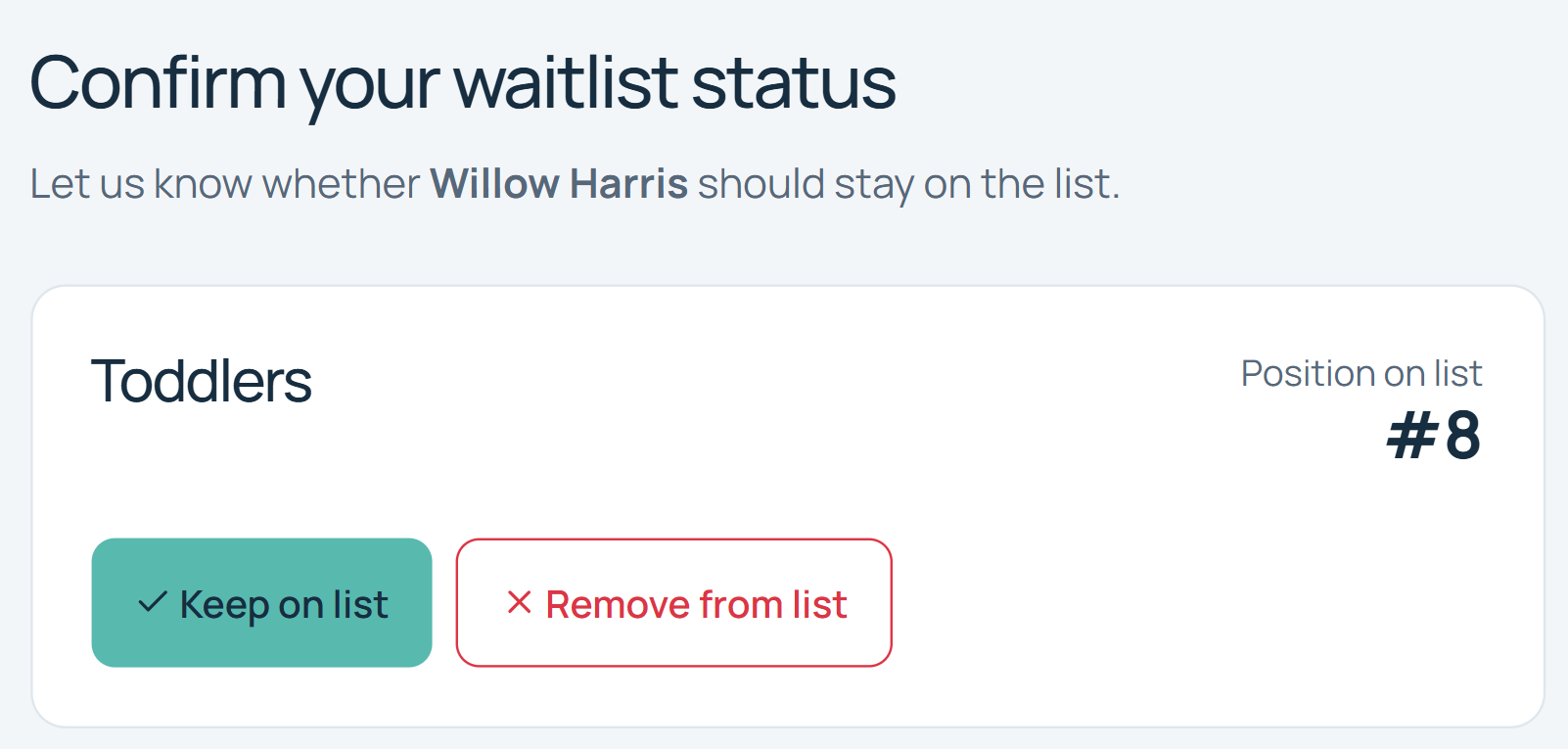
Confirm continued interest
Give customers a simple way to indicate that they still want to remain on the waitlist.
Remove themselves
When plans change, customers can remove themselves where that functionality is enabled.
With the portal enabled, customers can follow their portal or email link to confirm their interest or request removal.
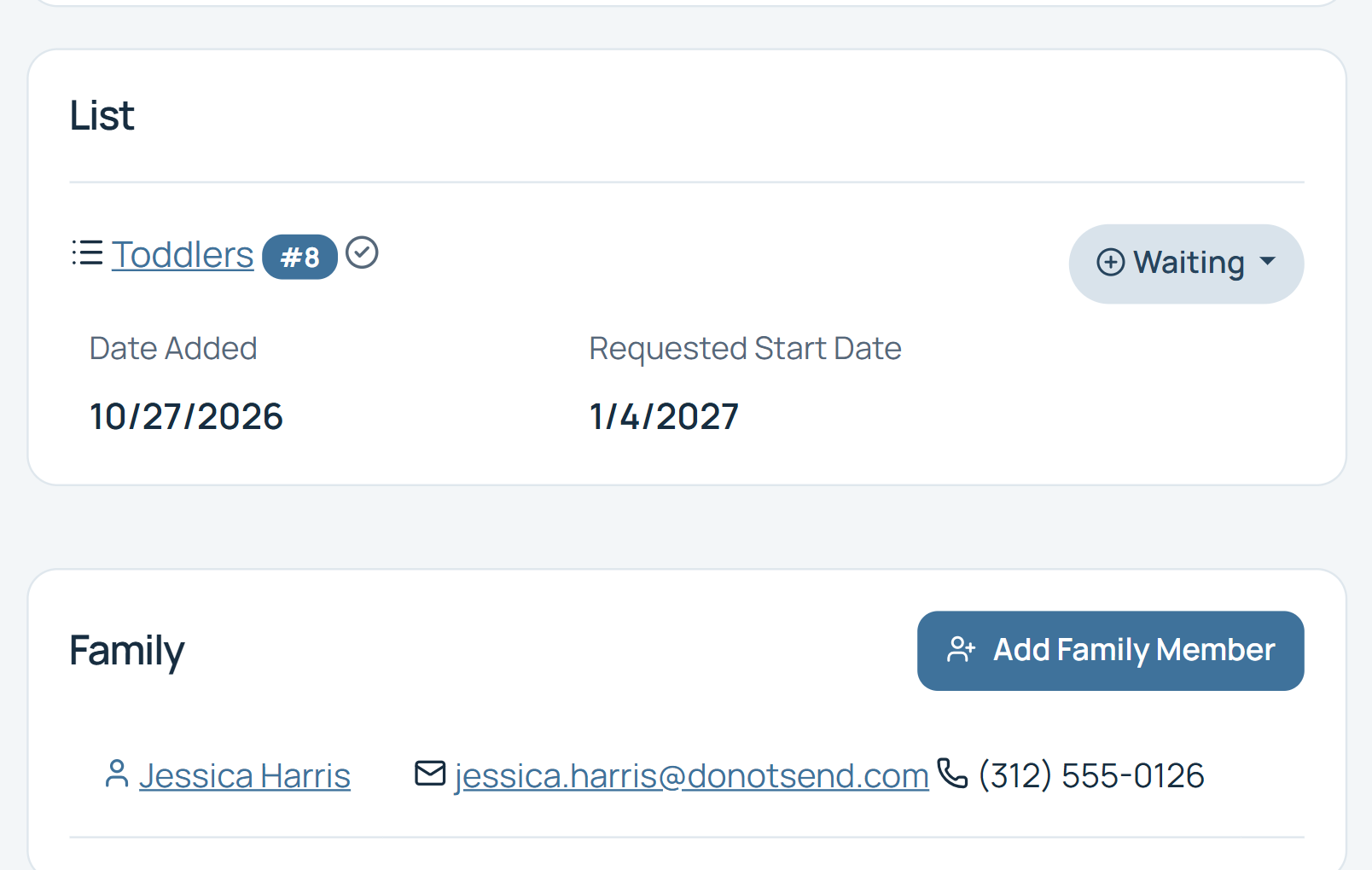
Manage family information
For family-oriented organizations, keep related family information organized. The family-management view below shows how staff can keep those records connected.
Let customers handle the simple things themselves
Every task customers can safely handle themselves is one less administrative task your staff has to manage manually.
Built for more than individual applicants
Many waitlists involve families rather than just individual customers. WaitlistPlus includes family-management capabilities that can help organizations keep related people and information organized.
Self-service works better with good communication
Combine the Customer Portal with WaitlistPlus email tools to keep customers informed and direct them to the right next step.
Signup
Signup
Confirmation
Confirmation
Reminder
Reminder
Portal
Portal
Enrollment
Enrollment
Spend less time answering repetitive waitlist questions
Keep the rest of your process connected
Online Signup
Give customers an easy way to join.
Email & Communication
Keep customers informed automatically.
Waitlist Management
Keep everything organized behind the scenes.
Frequently Asked Questions
Customer self-service, with the right access for your organization.
What is the WaitlistPlus Customer Portal?
The Customer Portal provides waitlisted customers with online access to appropriate information and self-service tools connected to their WaitlistPlus record.
Can customers check their waitlist information online?
Yes, you can choose to turn that on or off, including if they see their position in line. They will not be able to see other families on the list.
Can customers update their information?
Customer self-service capabilities depend on the organization's configuration and the information being managed.
Can customers remove themselves from a waitlist?
Yes, WaitlistPlus includes functionality that can allow customers to remove themselves when they are no longer interested.
Can families be managed together?
Yes. WaitlistPlus includes family-management capabilities that are particularly useful for childcare, schools, and other family-oriented organizations.
Give customers a better waitlist experience
Make it easier for customers to stay connected while reducing routine administrative work for your staff.