
Keep your waitlist informed without sending every email yourself.
Send signup confirmations, reminders, updates, and bulk messages directly from WaitlistPlus so customers stay informed and your staff spends less time managing repetitive communication.
14-day free trial · No credit card required
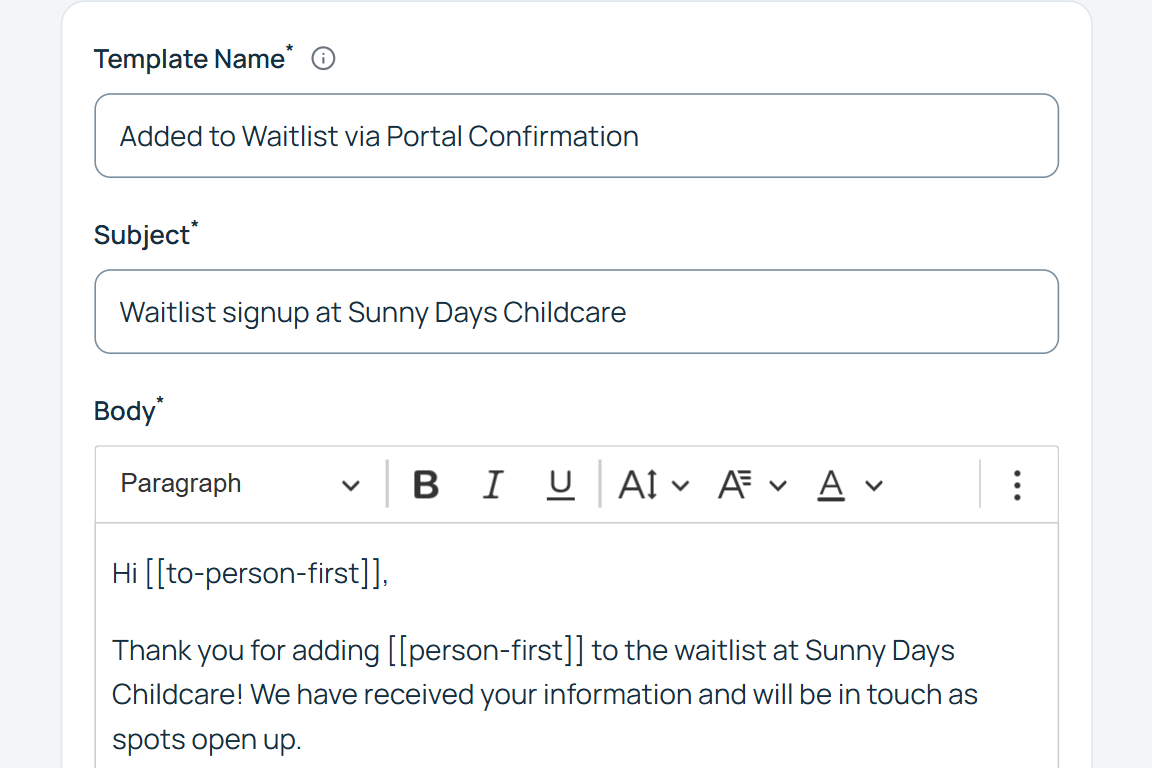
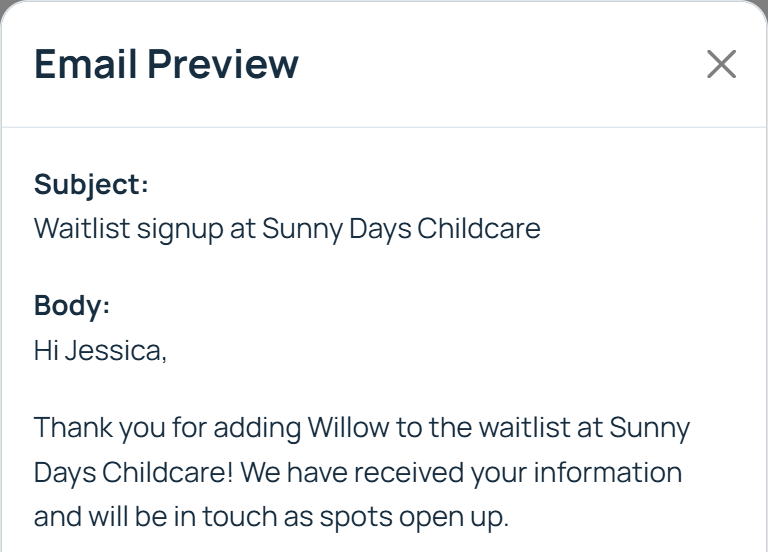
The right message at the right point in the waitlist
Keep communication connected to the people on your waitlist, from their first signup through enrollment. Use automatic confirmations and reminders alongside messages your team sends when an opening or next step is ready.
Customer Signs Up
Customer Signs Up
Confirmation
Confirmation
Reminder
Reminder
Opening Available
Opening Available
Contact
Contact
Enrollment
Enrollment
Automate the messages you send again and again
Some waitlist communication happens every time someone signs up or reaches a certain point in your process. WaitlistPlus helps automate repeatable communication so your staff doesn't have to start from scratch every time.
Signup confirmations
Confirm that a customer's signup was received.
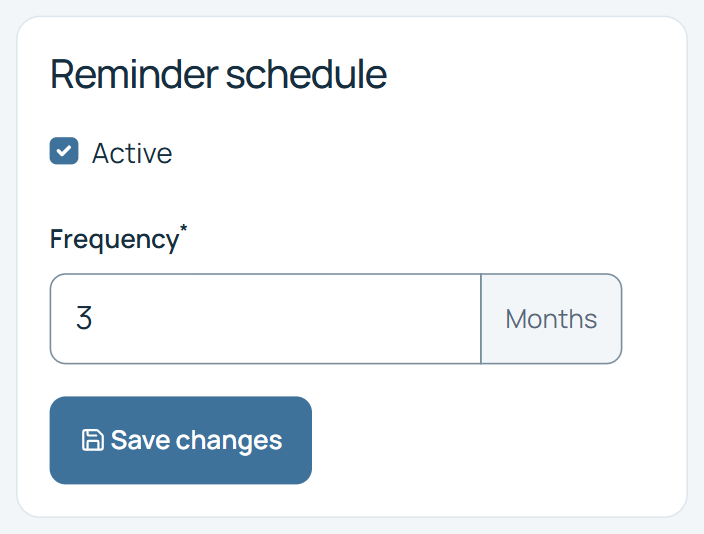
Reminder emails
Keep customers engaged and help determine whether they remain interested.
Customer actions
Include relevant links or next steps when supported.
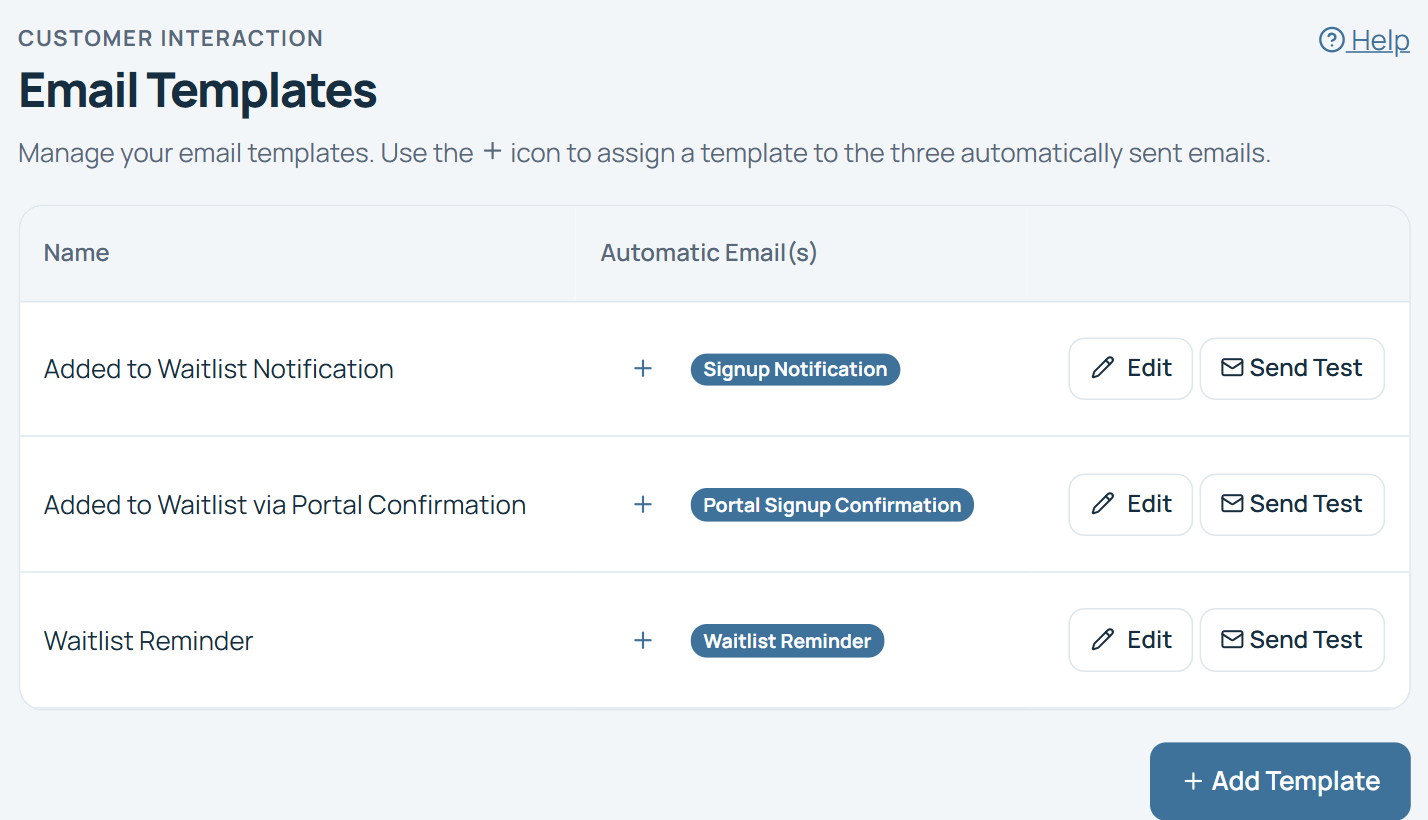
Reach the right group without emailing everyone individually
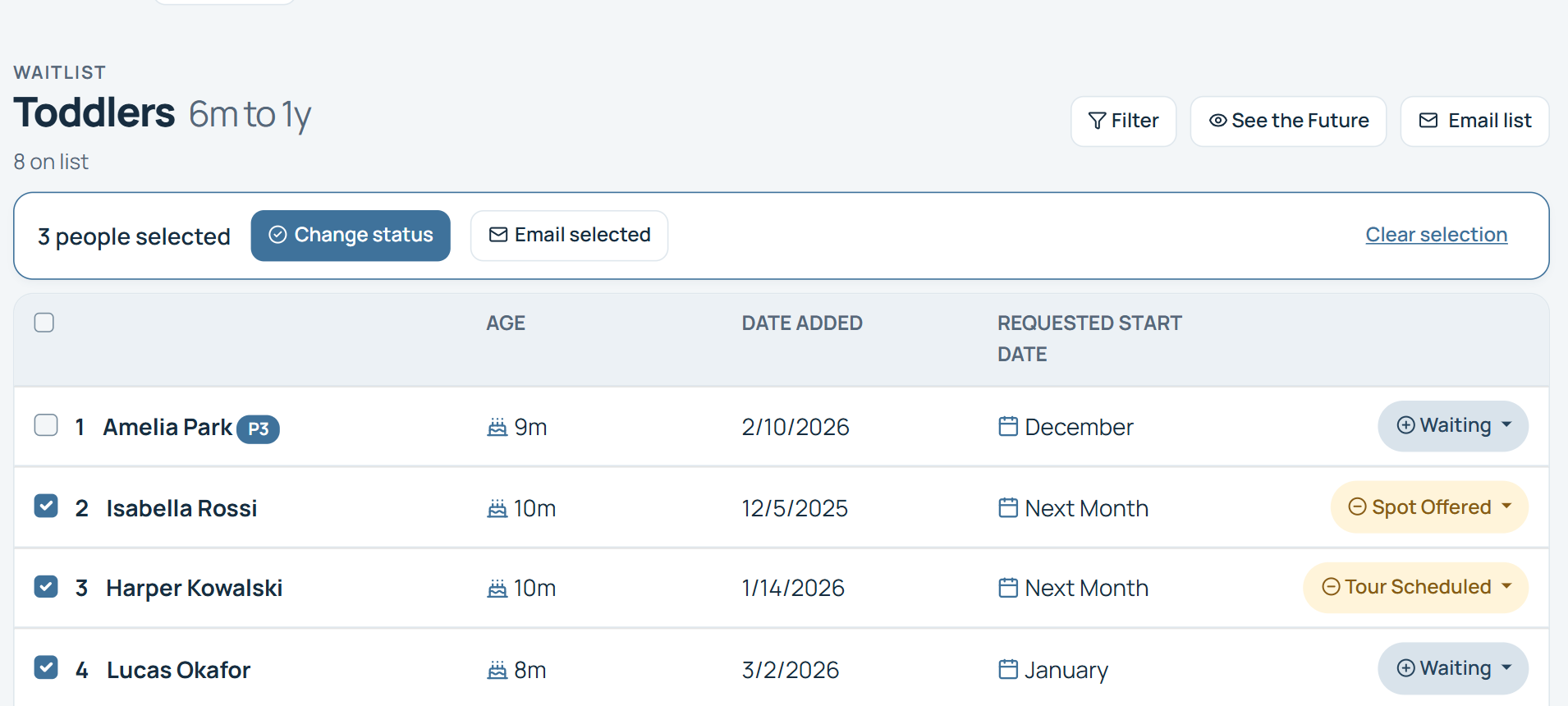
When you need to communicate with multiple people on your waitlist, send messages directly from WaitlistPlus instead of exporting addresses and managing a separate email list.
A practical way to share

Write it once. Use it again.
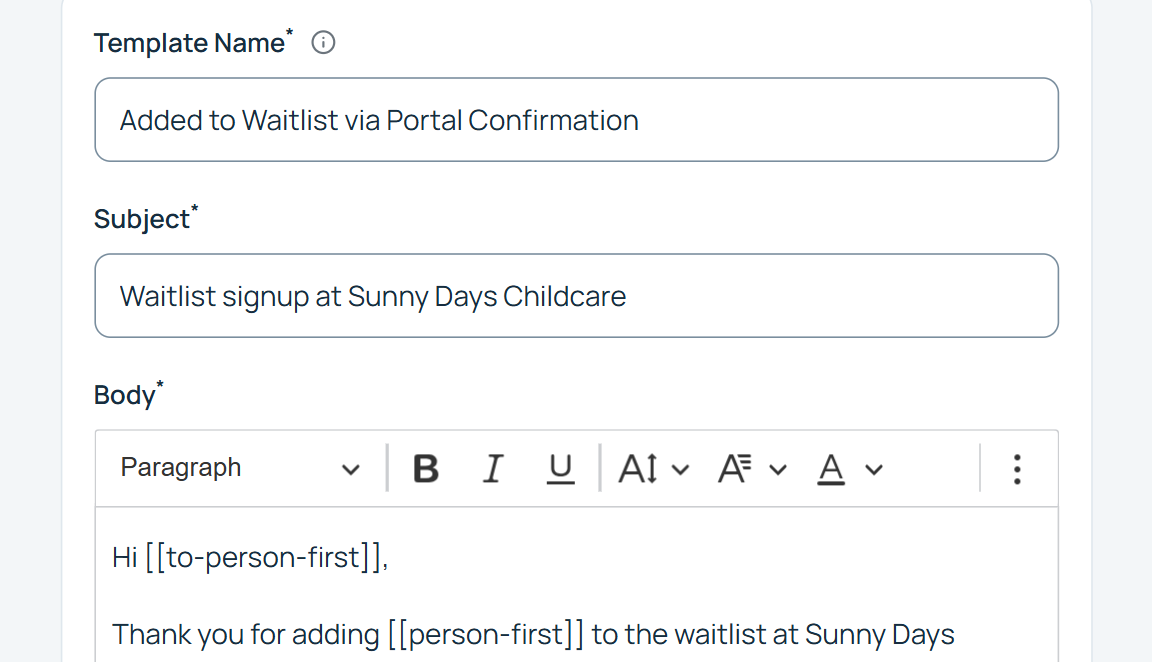
Create reusable email templates for the messages your organization sends regularly.
Send clear, useful messages
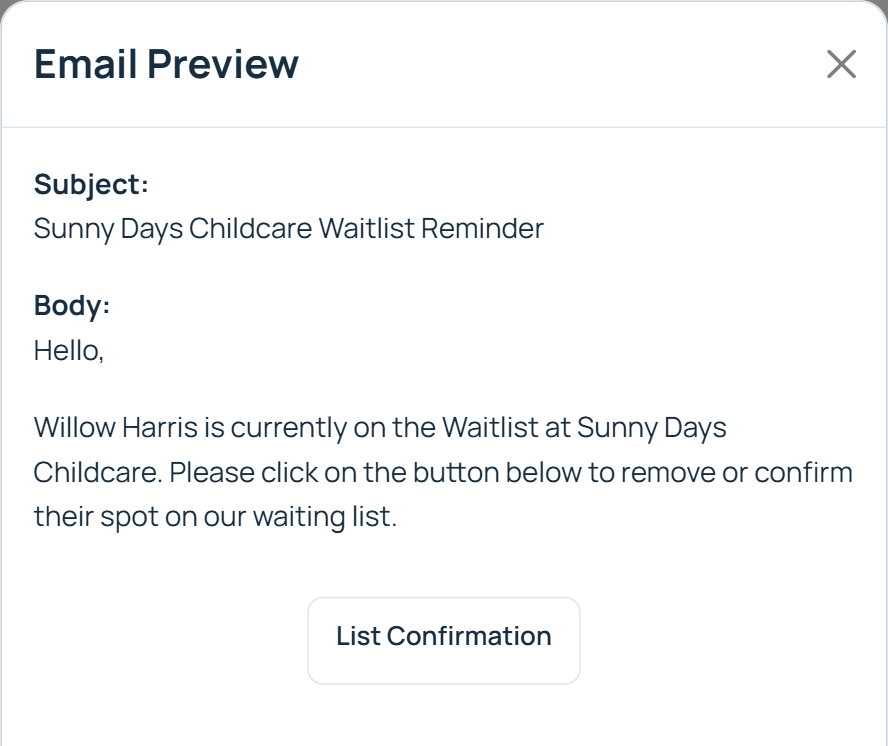
Compose your subject and body, personalize supported information, and point customers toward the next step.
Know what happened after you clicked send
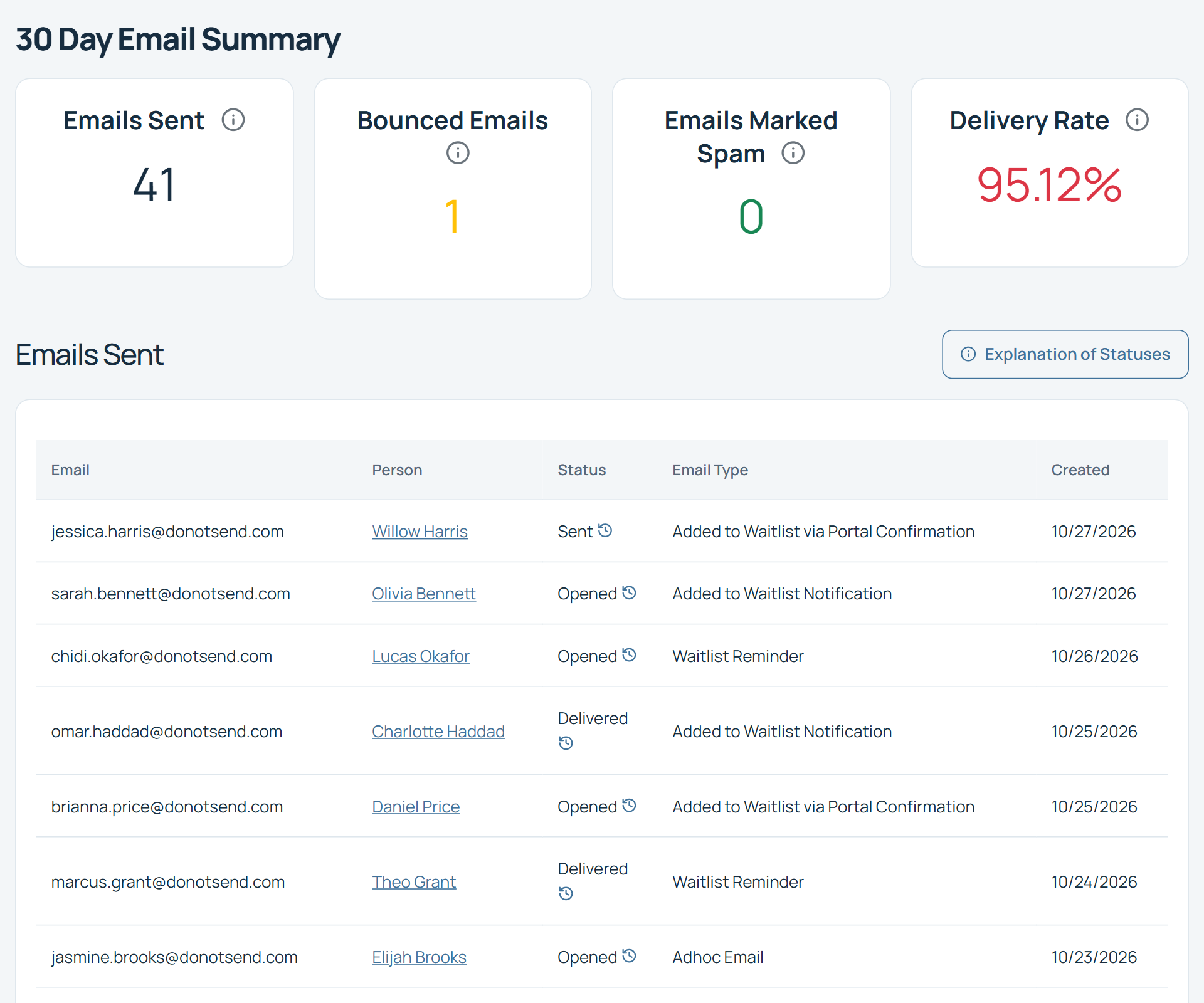
Review delivery reporting to understand whether your messages are reaching customers and identify potential delivery problems.
WaitlistPlus reports emails sent, successful deliveries, bounces, spam reports, and delivery rate.
Communication works better when customers have somewhere to go
Use email to keep customers informed and guide them back to the WaitlistPlus Customer Portal when they need to take action or review information.
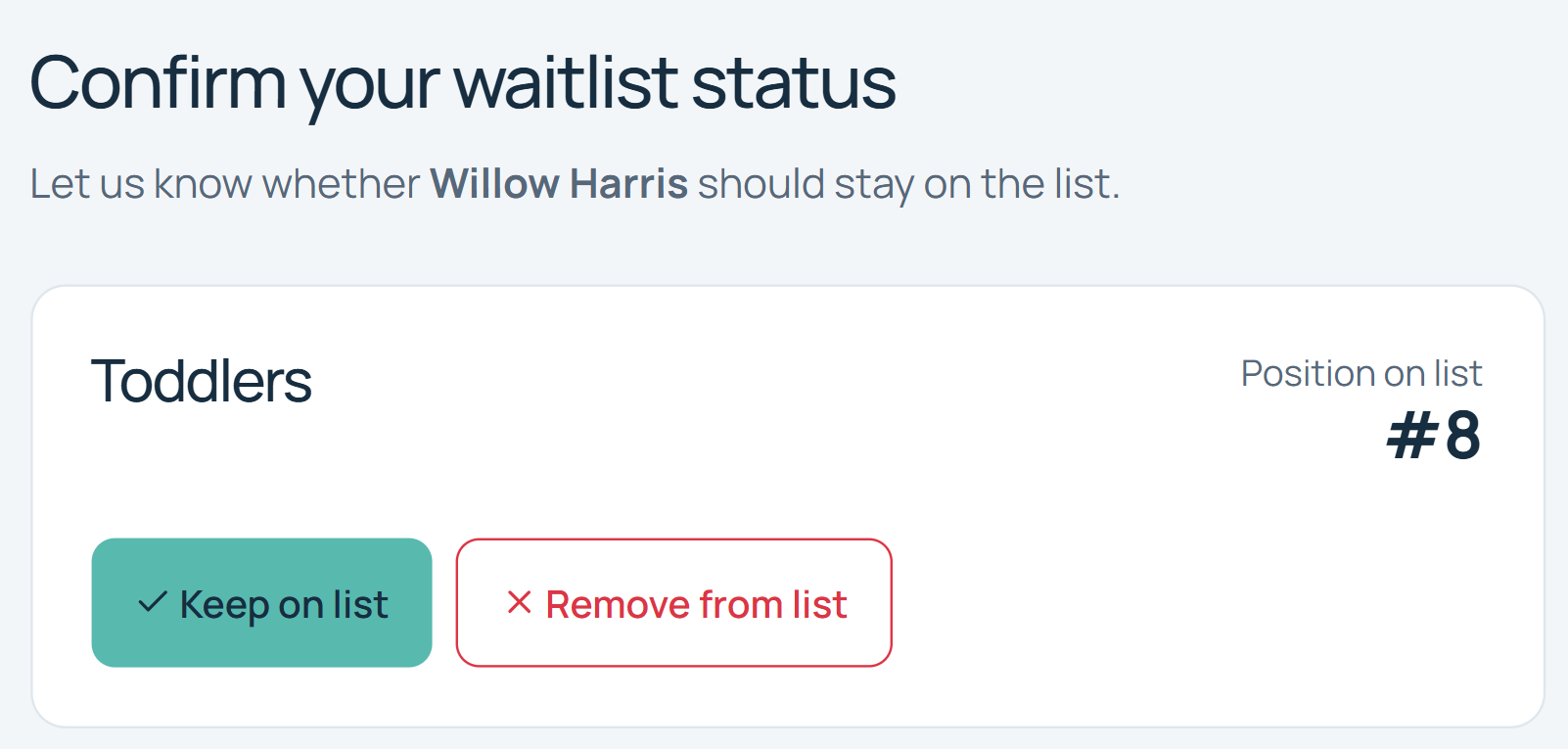
Less repetitive communication. A better-informed waitlist.
Save staff time
Reduce repetitive manual messages.
Stay consistent
Use templates and repeatable communication.
Keep customers engaged
Stay in touch while they wait.
Keep your list healthier
Use reminders and confirmations to help identify people who are still interested.
Bring communication into your whole process
Customer Portal
Give customers somewhere to go after receiving your message.
Online Signup
Start communication immediately after signup.
Enrollment Management
Communicate as applicants move through your process.
Frequently Asked Questions
Keep waitlist communication clear and connected.
Can WaitlistPlus automatically email customers?
Yes. WaitlistPlus supports automated communication such as signup confirmations and reminder emails.
Can I send an email to multiple people on my waitlist?
Yes. WaitlistPlus includes bulk email functionality for communicating with groups of waitlisted customers.
Can I create reusable email templates?
Yes. Email templates can be used for messages your organization sends regularly.
Can emails include personalized information?
WaitlistPlus supports personalized email content where applicable using information stored with the customer.
Can email help me clean up my waitlist?
Reminder and confirmation workflows can help organizations identify people who remain interested and keep waitlist information more current.
Spend less time sending
the same emails
Keep customers informed while giving your staff more time to focus on filling openings and serving customers.