
Make joining your waitlist easy.
Give customers a simple, mobile-friendly way to join your waitlist while collecting exactly the information your organization needs.
14-day free trial · No credit card required
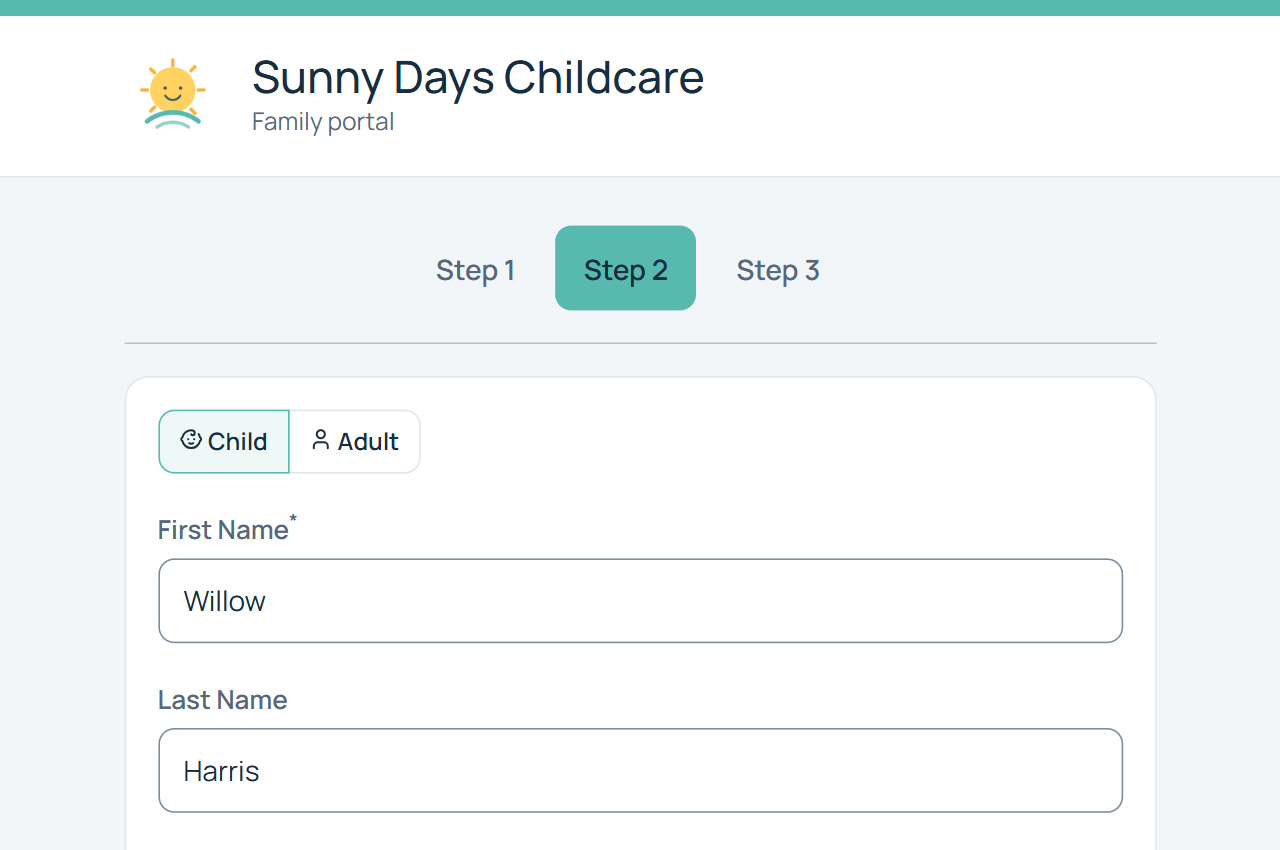
A better first step for your customers—and your staff
Instead of collecting waitlist information through phone calls, emails, paper forms, or spreadsheets, give customers one place to sign up online.
WaitlistPlus collects the information you need and puts new applicants directly into your waitlist management process.
Easier for customers
Join the waitlist online from a phone, tablet, or computer.
Less data entry
Information customers provide goes directly into WaitlistPlus.
Better information
Collect the fields your organization needs from the beginning.
From online form to organized waitlist
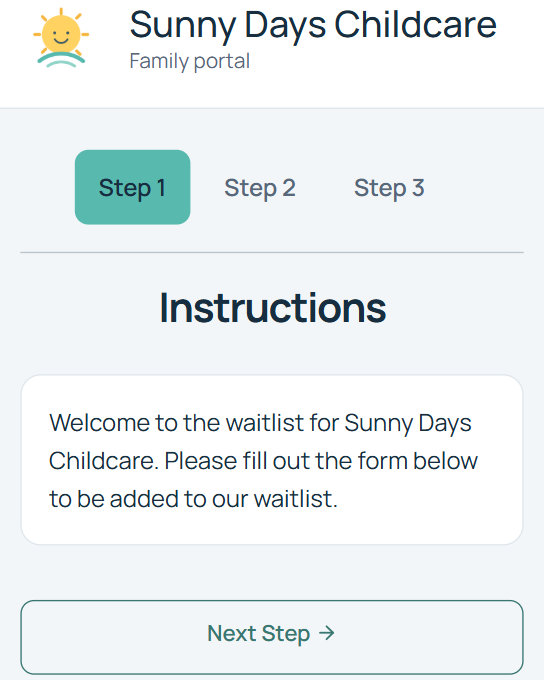
Share Your Signup Link
Add the WaitlistPlus signup link to your website, emails, social media, QR codes, or anywhere else customers need it.
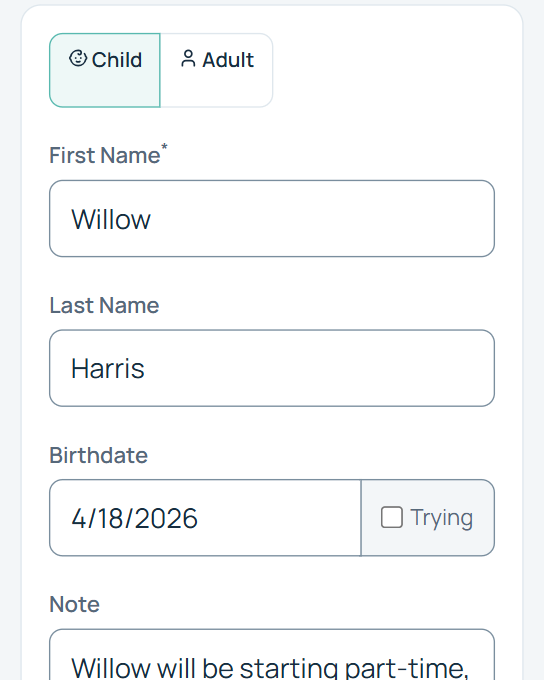
Customer Completes the Form
Customers provide their contact information and other information required by your organization.
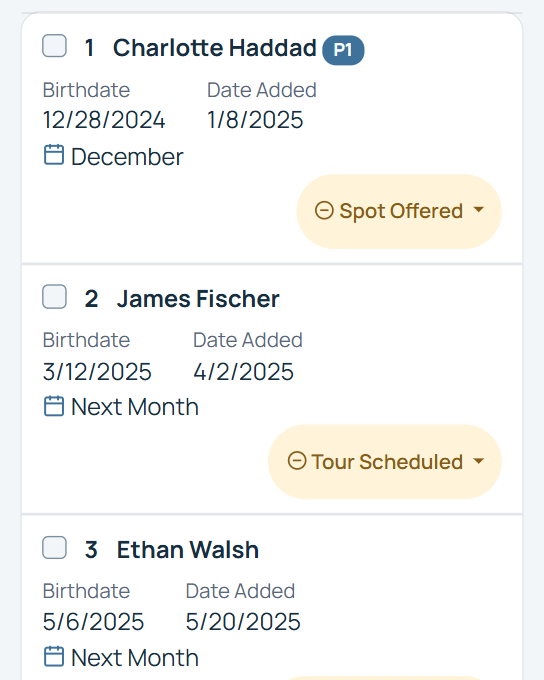
WaitlistPlus Organizes the Applicant
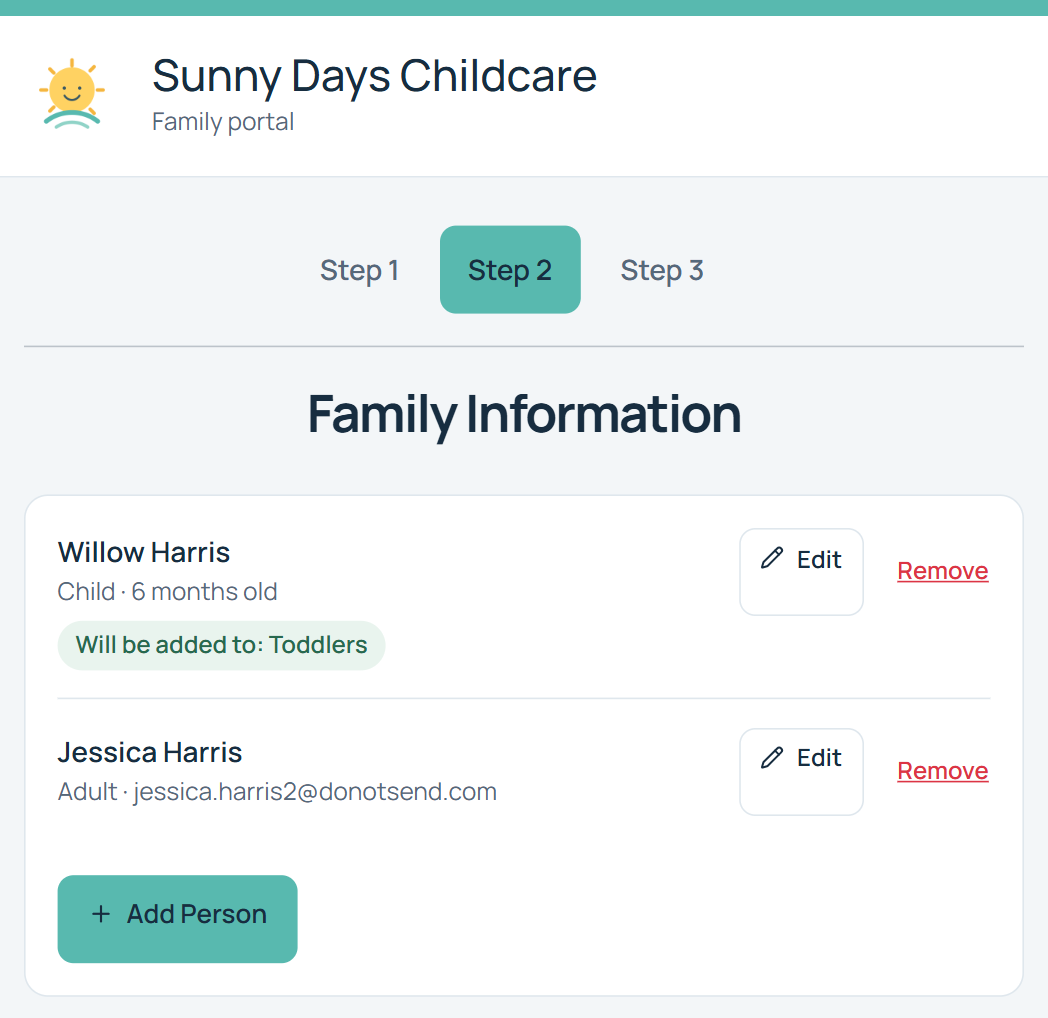
Use your list configuration, age or birthdate rules, and other settings to place applicants into the appropriate waitlist process.
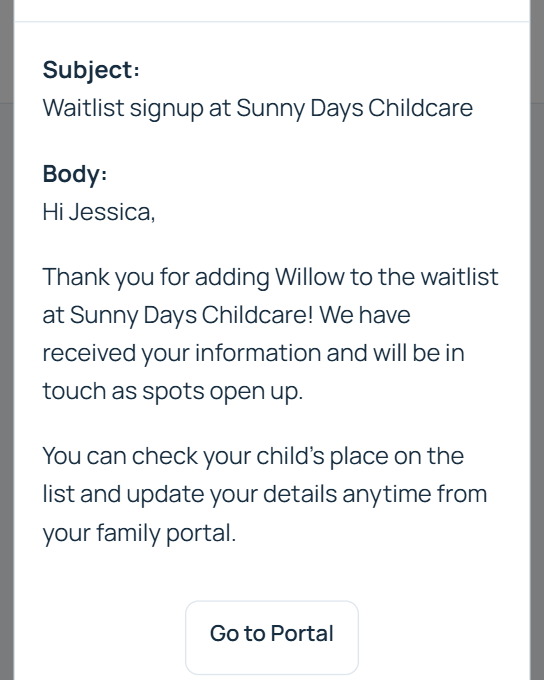
Customer Receives Confirmation
Confirm the signup and continue communicating with the customer through WaitlistPlus.
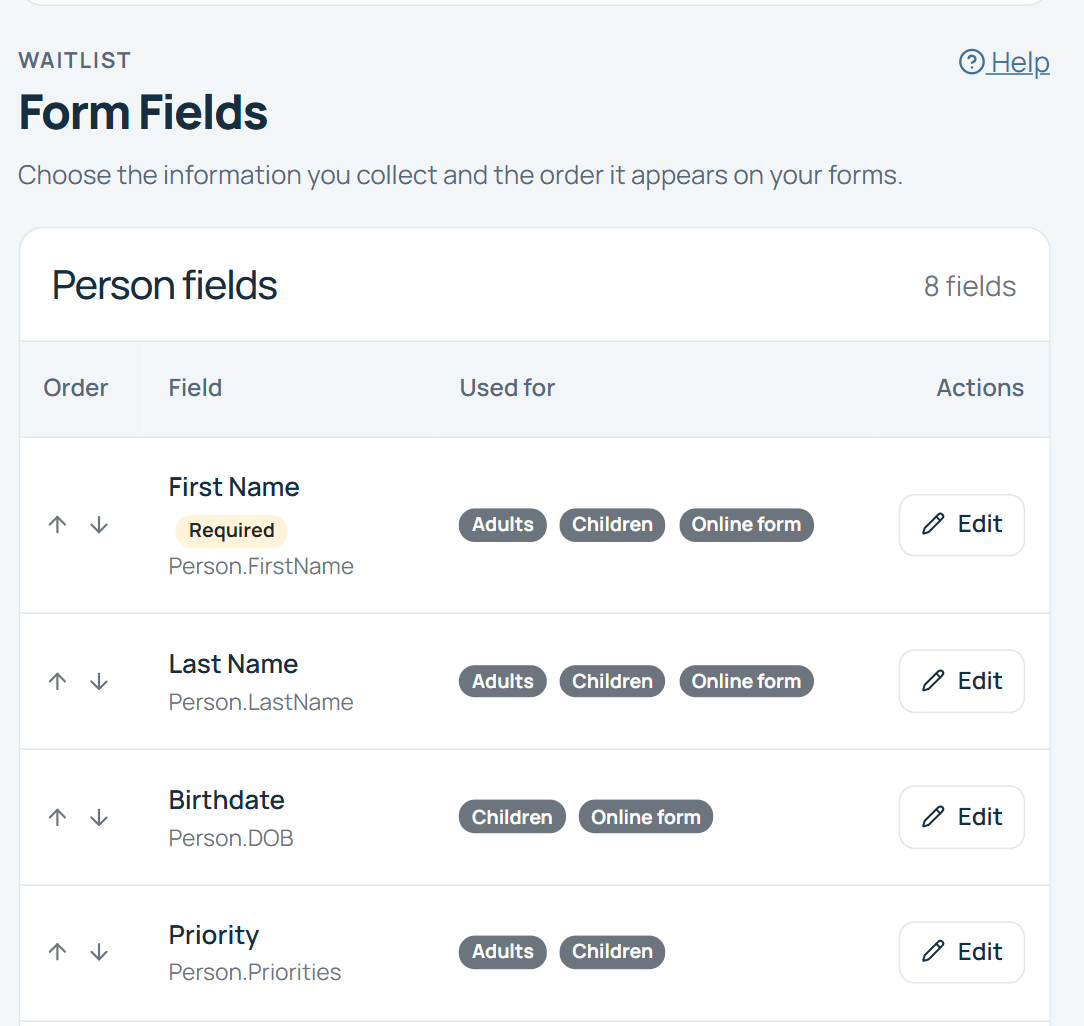
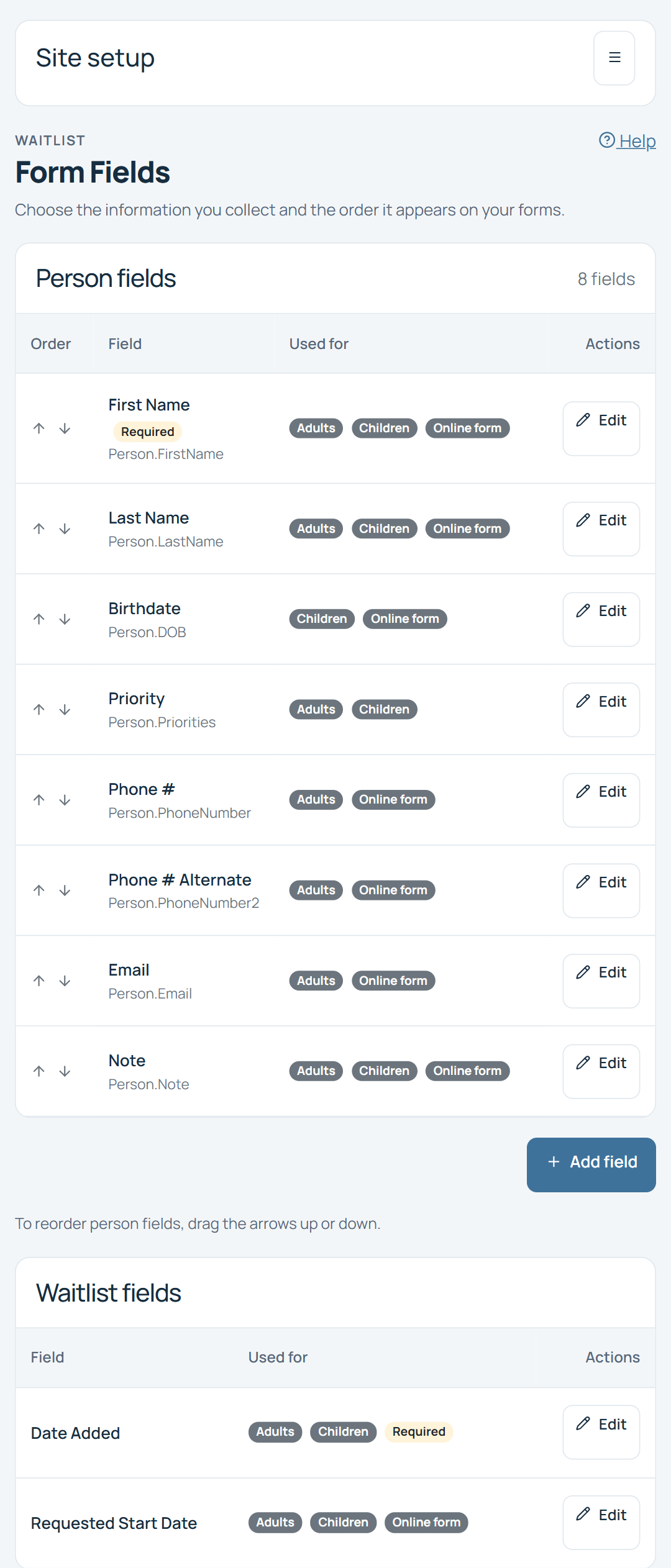
Collect the information you actually need
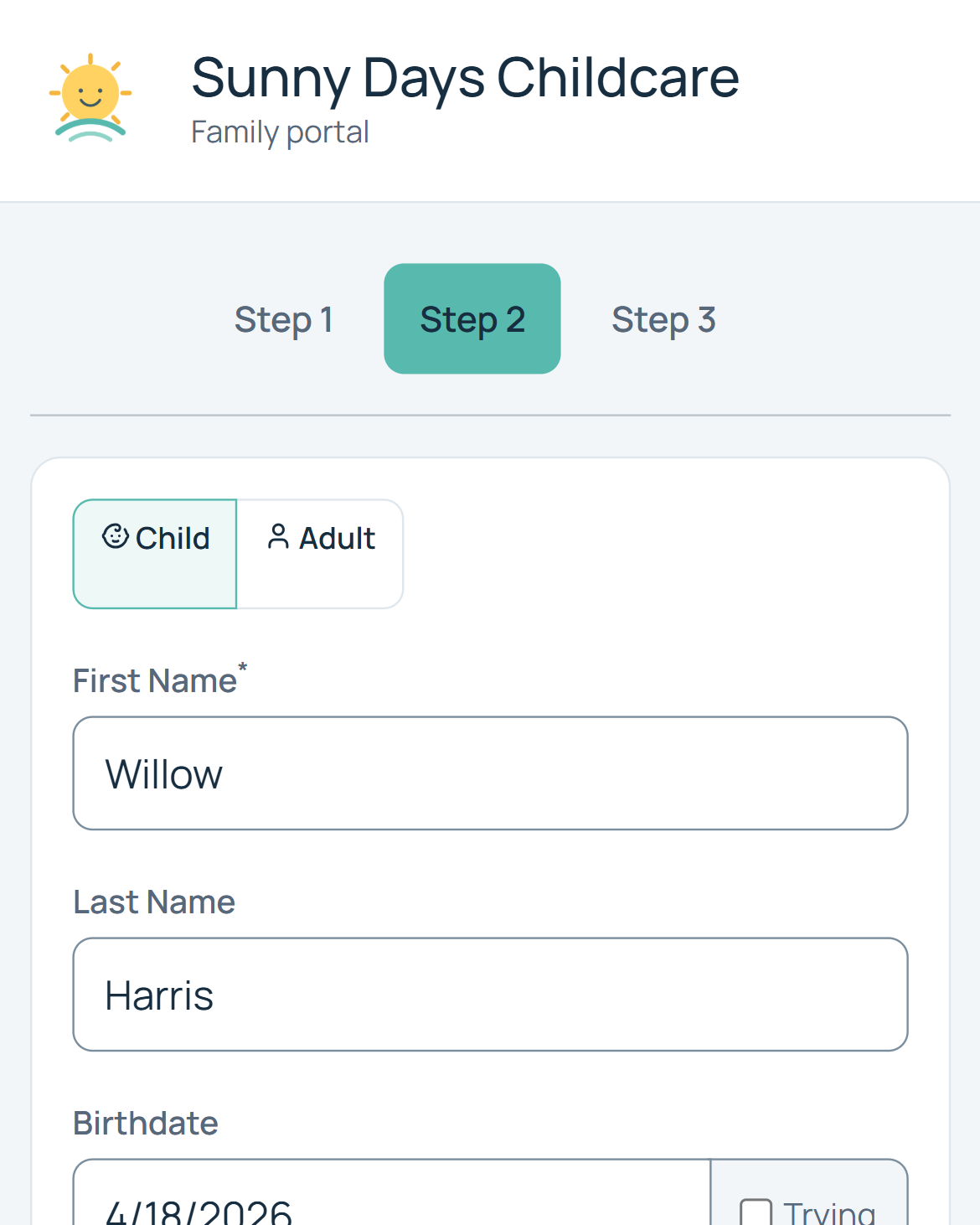
Every organization's waitlist is different. Customize your signup process so customers provide the information you need to manage yours.
Choose the information that supports your waitlist process. The fields shown are examples, not a required set.
Turn a signup into an organized applicant
Online signup isn't useful if your staff still has to manually sort every application. WaitlistPlus connects signup with your waitlist configuration so new applicants can enter the appropriate process from the beginning.
Easy to join from anywhere
Customers can join your waitlist from their phone, tablet, or computer without requiring your staff to enter their information manually.
Collect a signup fee when you need one
If your organization charges a waitlist or application fee, WaitlistPlus can collect an optional payment as part of the signup process.
Payment is optional. It is not required for every waitlist signup.
Payment tools for your signup process
Signup is just the beginning
Once someone joins, WaitlistPlus gives your team the tools to manage what happens next—from keeping the applicant organized to communicating with them and ultimately filling an opening.
Signup
Signup
Waitlisted
Waitlisted
Contact
Contact
Offer
Offer
Enroll
Enroll
Keep every step connected
Waitlist Management
Organize applicants after they sign up.
Customer Portal
Give customers self-service access after signup.
Email & Communication
Automatically confirm signups and stay in touch.
Frequently Asked Questions
Make online waitlist signup work for your organization.
Can customers join my waitlist online?
Yes. WaitlistPlus provides an online signup experience customers can access from a phone, tablet, or computer.
Can I customize the signup form?
Yes. Organizations can configure the information they collect based on their waitlist process.
Can customers select a program or waitlist?
WaitlistPlus can support signup processes involving different lists, programs, age groups, locations, and other configurations.
Can WaitlistPlus use a child's birthdate to determine the appropriate list?
Yes. WaitlistPlus supports age- and birthdate-based waitlist functionality that is particularly useful for childcare and education organizations.
Can I collect a signup fee?
Yes. Organizations that charge a signup or waitlist fee can optionally collect payment through WaitlistPlus.
Does online signup work on mobile devices?
Yes. The signup experience is designed to work across common phones, tablets, and computers.
Give your customers an easier way to join your waitlist
Start collecting applications online and spend less time entering information manually.